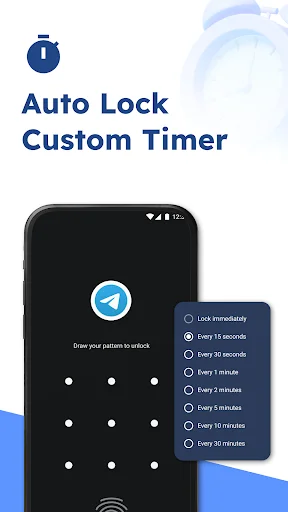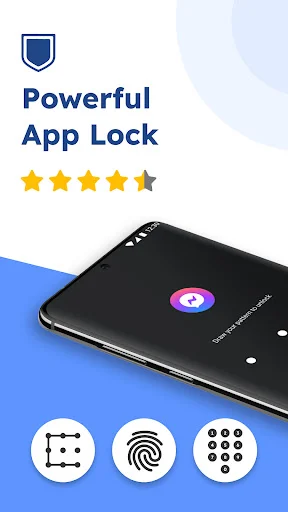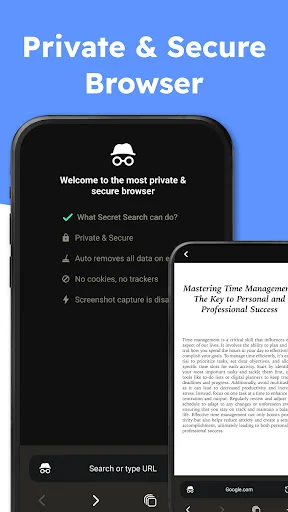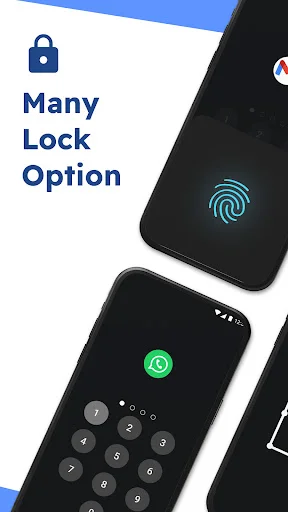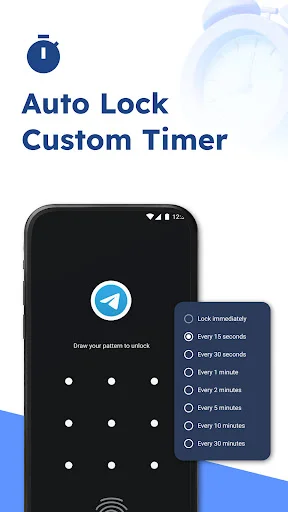
Keep private apps, photos, and messages safe when you share your phone. Simple fingerprint protection that works in seconds – no complicated setup required.
Protect your apps with fingerprint, PIN, or pattern – whatever feels fastest and most secure for you. Switch between lock methods anytime to match your preference.
Pick the apps you want to protect, select your lock method, and you're done. No technical knowledge needed – just simple steps that anyone can follow.
Let friends, family, or kids use your phone without worrying about them opening private messages, photos, or financial apps. Your personal space stays personal.
Access your protected apps quickly with fingerprint recognition while keeping unwanted users locked out. Strong security that doesn't slow you down.
AHLock: Fingerprint App Lock helps you protect personal apps, private chats, photos, files, and sensitive information with a secure locking system. Open the app, choose what you want to protect, and keep curious hands away from your private space.
App Locker For Android is useful when you share your phone, work around other people, or simply want extra privacy. Finger Lock Apps Tool gives you quick access through fingerprint protection, so security feels simple instead of annoying.
App Fingerprint Locker helps you keep important apps away from prying eyes. You can protect private conversations, media apps, finance tools, notes, or any app that should stay for your eyes only. AHLock: Fingerprint App Lock gives you flexible security options for everyday privacy. Choose fingerprint, PIN, or pattern depending on how you like to unlock your phone.
App Locker For Android makes app protection easy for beginners. You don't need complicated steps to add another layer of safety to your device.
Finger Lock Apps Tool is helpful when friends, family, coworkers, or kids use your phone for a moment. Instead of worrying about what they might open, you can lock the apps that matter most and keep your personal life private. App Fingerprint Locker keeps your apps safer from accidental opening or unwanted access. Use it to protect your digital space and enjoy more peace of mind every day.
App Fingerprint Locker also fits daily situations where fast access matters. You can open protected apps quickly while still keeping unwanted users out. AHLock: Fingerprint App Lock supports privacy without making your phone harder to use. It keeps your sensitive apps guarded while your regular phone routine stays smooth.
App Locker For Android gives you a simple way to protect personal apps and private information. It is built for users who want more control over phone privacy without confusing settings. Finger Lock Apps Tool adds quick unlocking for people who want both speed and security. With PIN, pattern, and fingerprint options, you can choose the protection style that works best for you.
App Lock needs access to all files to help you lock important apps. Rest assured, AppLock does not use this feature to collect any personal data from users!
This app is the best app lock I ever downloaded because first you can lock the apps with a pin or fingerprint wich is awesome I do recommend it totally five 🌟 🤩 each day this app is surprising me because it its good lock which makes my apps safe I definitely feel safe locking my apps with this app is wonderful even the ads are not disruptive they aptly good and there is not many of them as in other apps which does mot annoy me I also se that when I download a new app it show me as notification
I love this app, very simple to use, love changing my background and the picture taking option of the jerk trying to get into your phone. It's actually a bunch of wood photos of me forgetting but I love it. Make sure it's running in the background all the time by simply opening the app. It keeps everything protected. Thank you for existing.
I like this this protect the app cause my younger brother always play my phone and he downloaded lots of game so I locked the play store isn't it good he don't know my pin lock he sometimes deleted the app locker so I hide the app locker isn't it good right and I really like your app locker
This app is so good. I can look any app from this app. I like this app and I love this app soo much but there' s a mistake because there is no any fingerprint only number password only. But I love this app. I lock all the apps from this app.
I guess this will do a whole lot of good to my most finance Apps because i have been played a fool for most Apps i could not secure my funds. Please let this be save for me as i use it for the first time.
My son got carried away playing with the phone tutorial and I was concerned. Privacy is important. But so is not letting your kids or yourself make a phone too complex.