Add a powerful second layer of protection to your online accounts. Generate time-based verification codes, manage passwords, and keep all your security tools organized in one simple app.
Generate time-based verification codes that add a strong second layer of security when you sign in. Stop worrying about hackers and unauthorized access – your accounts stay protected even if someone knows your password.
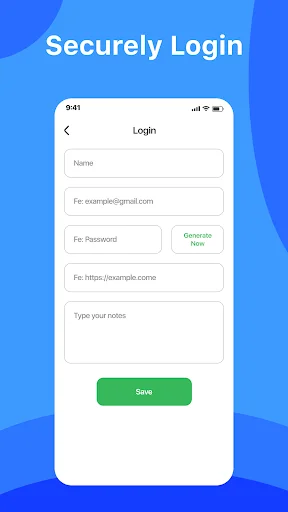
Stop switching between different apps for security. Get two-factor codes, store passwords, and generate strong new passwords all in one place, saving you time and keeping everything organized.
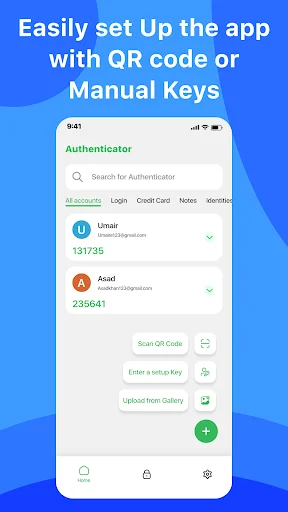
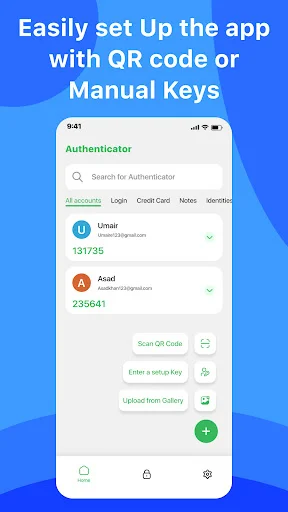
Start protecting your accounts in seconds by scanning a QR code or entering details manually. No technical skills needed – just point your camera and you're ready to go with stronger security.
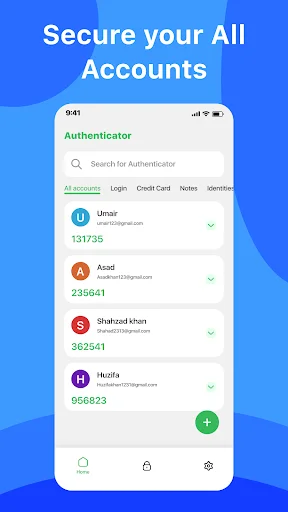
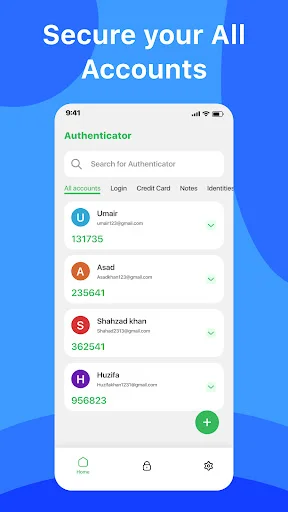
Keep all your verification codes in one simple list that's easy to browse. Find the code you need quickly when signing in, with backup options available so you never lose access to your accounts.
Add an extra verification step to supported online accounts. Scan a setup QR code or enter account details manually, then generate time-based one-time codes when signing in.
Two Factor Authentication App keeps supported verification accounts organized in one place. 2FA Authentication App can also work alongside password-management tools for storing login details and creating stronger passwords.
2 Step Verification App creates time-based codes that refresh automatically for compatible services. These codes are used together with the account's regular sign-in method when supported.
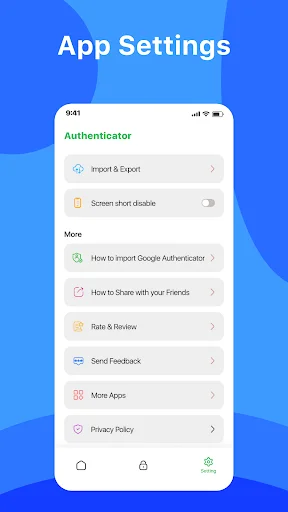
Available backup or sync options can help when moving to another device, depending on the settings you enable.
Two Factor Authentication App generates supported one-time codes that change on a timed cycle. The service you are signing in to must support compatible authenticator-based verification before these codes can be used.
2FA Authentication App can add supported accounts by scanning a QR code, entering setup information manually, or using available import options. Review each account name so your verification list stays easy to recognize.
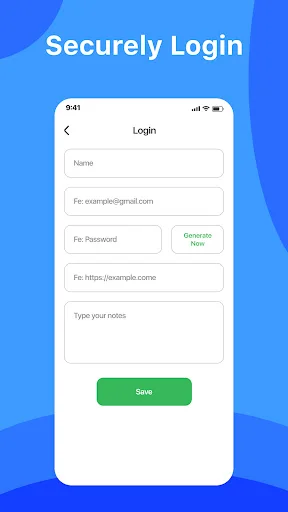
Mobile Authenticator & Password Manager can store supported usernames, passwords, security codes, and account notes in one place. Use a unique password for each important account whenever possible.
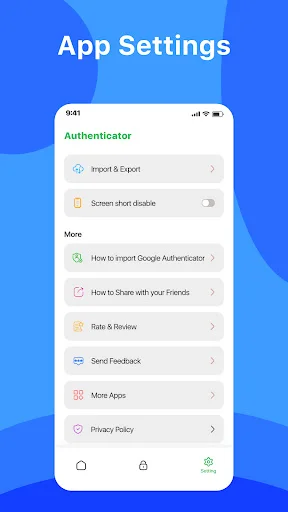
2 Step Verification App may include supported backup or sync tools for transferring or restoring authenticator data. Recovery depends on the backup settings configured before changing or losing a device.
Safe Authenticator App keeps verification entries easy to browse when you have several supported accounts. Codes remain time-sensitive, so use the currently displayed value during sign-in.
An authenticator adds another verification layer, but no security method can guarantee that an account will never be compromised. Keep recovery information protected and follow the security guidance of each service you use.
Safe Authenticator App combines QR setup, time-based codes, password storage, password generation, and available backup tools in one convenient security utility.
good luck