Transform your favorite songs into custom ringtones, notification sounds, and alarms with professional precision. No complex tools needed – just tap, trim, and enjoy your personalized audio.
Tired of long song files for your ringtones? Quickly trim any track to the perfect length and create unique notification sounds that match your style. Your favorite music becomes your personalized alert in just seconds.
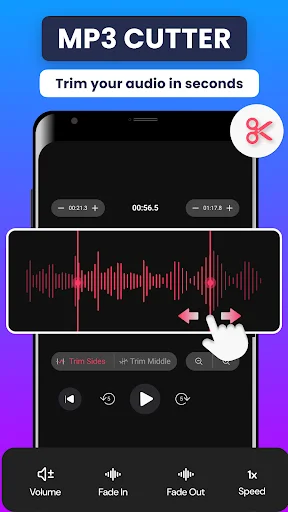
Get professional results with precise audio control down to the millisecond. Add smooth fade-out effects and capture the exact vocal or beat you want. Your edits sound clean and polished every time.
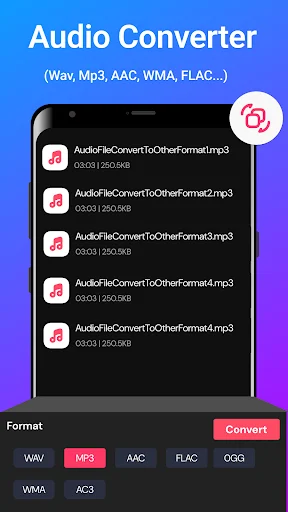
Work with MP3, FLAC, OGG, and more without hassle. No need to convert files before editing – just load your audio and start cutting. The app handles all your formats so you can focus on creativity.
See your audio as a waveform and edit with simple taps. No learning curve or confusing menus – just pick your start time and let the app do the work. Even batch processing multiple files stays quick and straightforward.
Have you ever tried to make a custom ringtone only to find out the song file is just way too long? It is really amusing to see how a simple piece of tech can actually take those heavy tracks and make them short in seconds. MP3 Cutter & Audio Editor is built for those awkward moments when you just want to trim a clip on your device. You keep your favorite music but the editing speed is just much better. It feels like a total win when you finally get that perfect notification sound ready.
Life moves fast and honestly it is just nice to have a way to turn a messy audio file into a simple notification sound without any stress at all. Using the software to fix your library or even to clear up your playlist is fun and is streamlined for everyone involved. It is that simple to use the MP3 Cutter And Ringtone Maker to brighten up your phone alerts.
With the Music Cutter: Sound Song Editor, magic feels as if it can occur on your screen while the app processes the waveform. In just seconds, the software makes the clip much lighter for sharing with your friends. All you have to do is tap the start time and let the software do its work. This helps settle those nervous feelings when you are trying to find the perfect beat. Perfect results become possible with the smart mode, activated within the Music Cutter: Sound Song Editor to protect your creative vision.
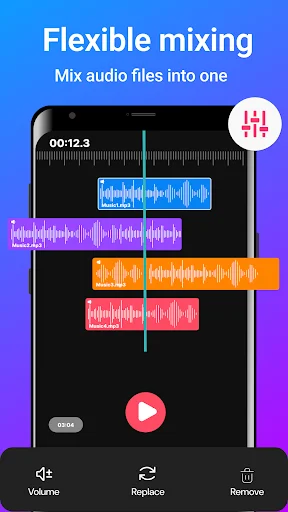
The Cut MP3 Splitter feature has great benefits for your creative audio projects. It even helps you with high quality tools like millisecond precision or fade-out effects. Using the built-in Cut MP3 Splitter system, you can pick between a quick trim or a complex multitrack mix. It does the heavy lifting so you can focus on the melody. Users of the Cut MP3 Splitter have a great experience when they customize their sounds.
The Cutter MP3 Ringtone Creator is best shown off when you need to grab a specific vocal from a long recording. Check the output folder so you can see your new high quality file ready to set as an alarm. Users like to see the Cutter MP3 Ringtone Creator results right on their own devices. The software really makes the Cutter MP3 Ringtone Creator feel very fast.
What differentiates this MP3 Ringtone Cutter from others is the way it handles almost every audio format like FLAC or OGG. It is that little extra piece of functionality that helps the MP3 Ringtone Cutter stand out from basic editors. Users like the easy navigation and the way it handles batch video conversion. They really like how the MP3 Ringtone Cutter keeps their media ready for a fresh start. Most people find that the MP3 Cutter And Ringtone Maker provides the best results for their specific music needs.
Fixing your audio should be quick! This app is all about quick swaps and fun ways to manage your tracks while you are busy. Enjoy the software and have fun with what the technology does for your phone. Go ahead and download the MP3 Cutter & Audio Editor now. Experience the final results on your own phone today.
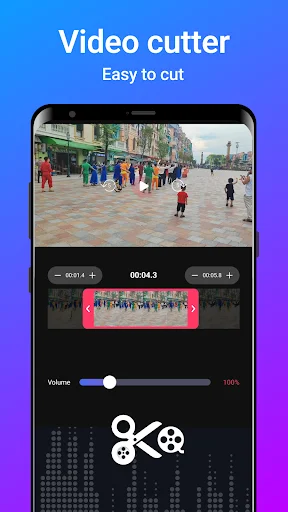
I almost never rate anything 5 star, but this app not only gets the job done easily, but it also has other outstanding tools in the same app like a video cutter and a video compressor and many others that really improved my experience with this awesome app🥰
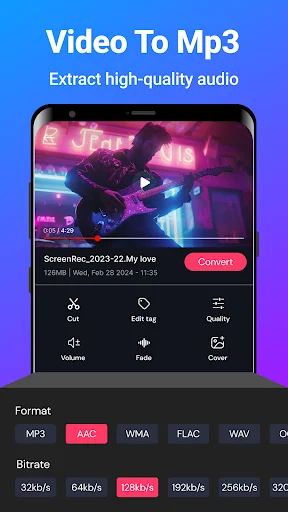
This app doesn't only have the ability to cut audio, but also to convert videos to MP3. Surprisingly, you can also add a sound to a video or picture using this app all for free and no watermarks. This is. magnificent.
Just installed this app. It's easy to use & simple. So far nothing is wrong with it. The sound after trimming is good. Other apps I tried made a bad sound quality. Great job.
This is one of the best MP3 cutters out there, it's basic with a very easy user interface. I recommend this app for it's easy usability without any hassle.
perfect App when it comes to converting Video -Audio as well as cutting songs. Am giving it straight 5 star.
An easy to use audio cutter with exact time selection facility