Convert PDF files and images to Word format instantly on your phone. Edit documents on the go with powerful OCR technology that preserves your formatting perfectly.
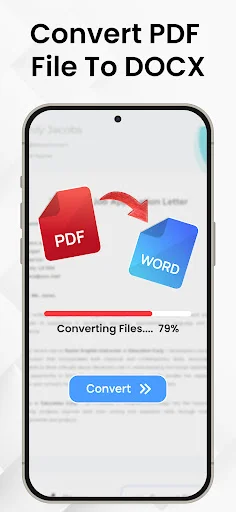
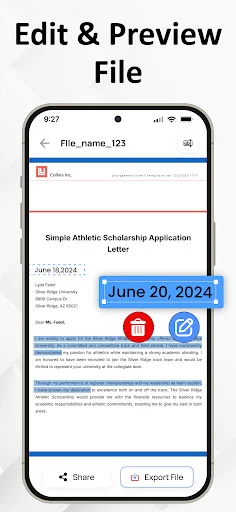
Select any PDF and convert it to fully editable Word format in seconds. Your text, formatting, and layouts stay intact, so you can continue editing right where you left off without losing quality.
Turn photos of notes, scanned pages, or documents into editable Word files using advanced OCR technology. Perfect for students digitizing handwritten notes or professionals converting paper documents on the go.
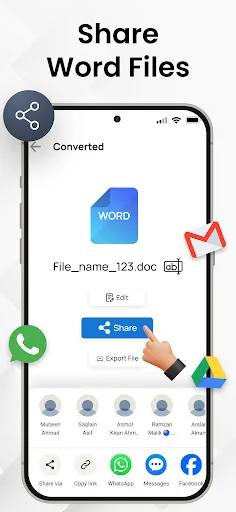
No complicated settings or confusing menus. Just select your file, tap convert, and get your editable document instantly. Fast conversion technology means you spend less time waiting and more time working.
Convert documents in multiple languages with full support for global users. Whether you're working with English, Spanish, French, or dozens of other languages, get accurate conversions every time.
This pages to word converter app also allows you to pick images from your gallery and convert them to Word files using built-in text recognition (OCR). Whether you're handling documents or extracting text from pictures, this OCR PDF to Docx app helps you manage your files on the go.
With a user-friendly interface, you can convert PDF files to Word format in just a few taps, preserving text, formatting, and layouts with high accuracy.
Select any PDF document from your device and convert it into a fully editable Word (Docx) file. The formatting is preserved as much as possible, making it easier to continue editing or reusing the content.
Choose images from your gallery and convert them to Word format using Optical Character Recognition (OCR). Great for converting scanned pages, photos of notes, or other image-based content into editable text.
PDF To Word Converter uses advanced technology to do instant file conversions.
PDF to Docx Converter supports multiple languages. This feature makes our app usable throughout the globe.
If you want to know how to convert PDF to Word you came to the right place!
Here's how you easily convert PDF to Docx
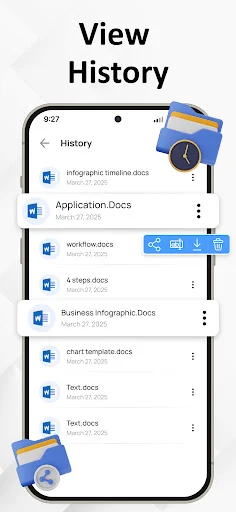
Manage your documents more with the OCR PDF to Word Converter app. Whether you are converting PDF files or extracting text from images, this tool provides a convenient way to create editable Word documents (Docx) right from your Android device. Start converting your files today and simplify your document workflow. Download Now!
does exactly what it advertises. easy to use and complete any task you want.
convert pdf to word exactly the same such a good app friendly to use
it's easy to use , big help to me especially school works
So easy and seamless. Saves time to convert.
Simple and fast. Keep up the good work 🌹
like the best converter I've ever seen