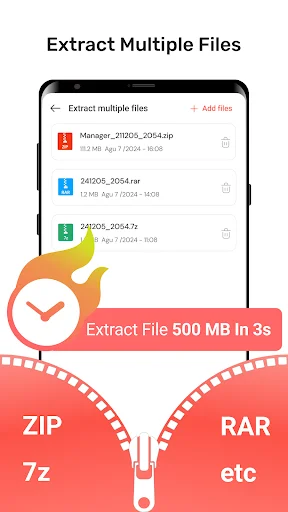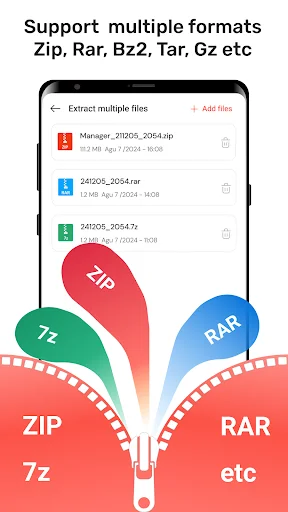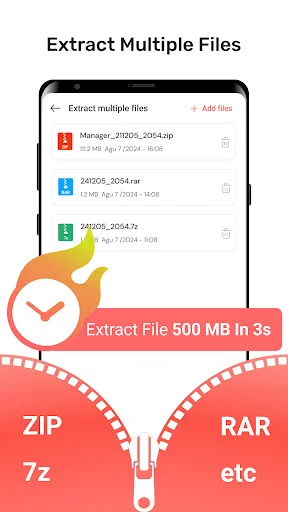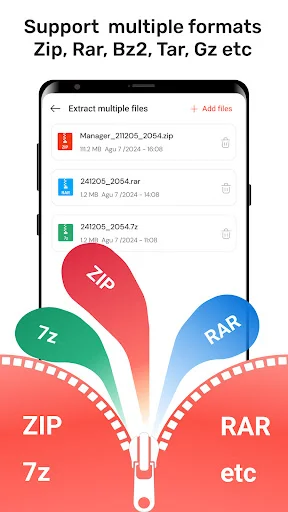
Stop waiting for your laptop. Extract ZIP, RAR, and 7Z files in seconds, compress large folders to save space, and access all your documents right from your mobile device.
Open ZIP, RAR, 7Z, and other compressed files without any hassle. Whether you receive work documents, photo collections, or music folders, this app handles them all so you can view your files the moment they arrive.
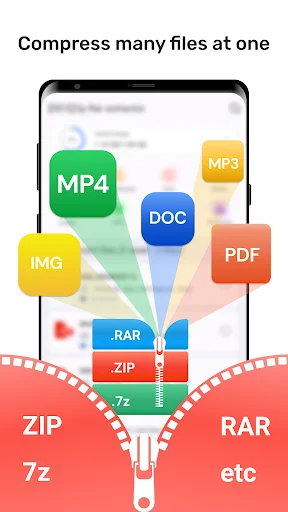
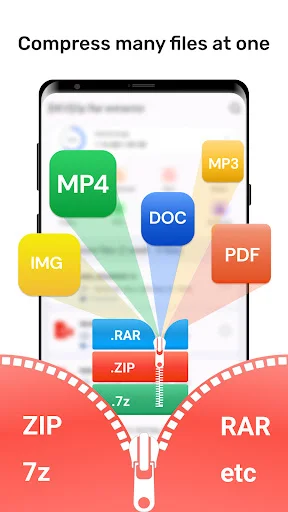
Free up phone storage and share large files easily. Compress photos, videos, and documents into smaller packages that are perfect for email attachments, making it simple to send everything you need without hitting size limits.
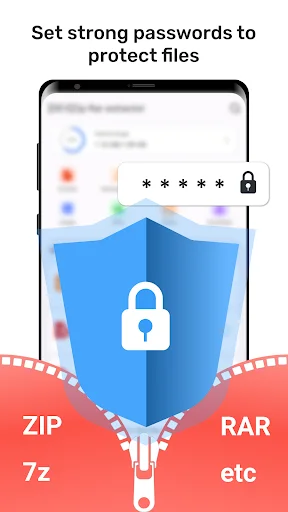
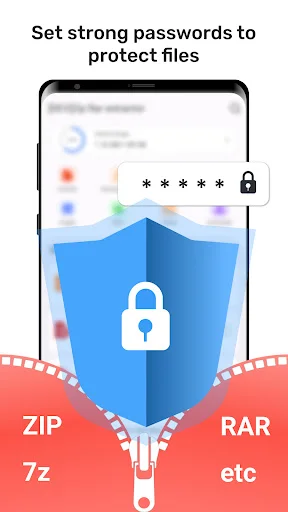
Keep your private files safe with built-in encryption and password protection. Create secure archives for sensitive work documents or personal files, giving you complete control over who can access your important information.
Never waste time searching through folders again. See your recently opened files right on the main screen and use the quick search tool to locate any document, image, or video in seconds, keeping you productive on the go.
Have you ever received a folder on your phone and realized you just cannot see what is inside? It is really amusing to see how a tiny piece of software can actually take a huge bundle of data and make it readable in seconds. Rar Extractor: 7z Opener is built for those busy moments when you are on your way to a meeting and need to check a document that arrived in a tricky format.
Life moves fast and honestly it is just nice to have a way to handle your attachments without needing a laptop every time. Using the Rar Extractor: 7z Opener to fix your downloads or even to organize your music is fun and is streamlined. People using this software find that it handles Doc and PDF files very easily. It is that simple to use the Rar Opener: 7zip Extractor when you have a lot of data to sort through on a small screen.
With the Rar Manager: 7z File Extractor, magic feels as if it can occur on your screen while the app groups your photos together. In just seconds, the tool makes your files much smaller so you can email them without any errors. All you have to do is tap the button and let the Rar Manager: 7z File Extractor do its magic. This helps settle those moments when your storage is nearly full. You get perfect results every time you use the Rar Manager: 7z File Extractor.
The Zip Manager: Rar File Extractor feature has great benefits for your privacy and your daily office tasks. It even helps you with high quality encryption so nobody can see your private stuff. Using the built-in Zip Manager: Rar File Extractor system, you can set a password for your most important work folders. It does the heavy lifting so you can focus on the content itself. Everyone using the Zip Manager: Rar File Extractor finds the multitasking support very helpful during long days.
What differentiates this Zip File Extractor For Android from others is the way it shows your recently used files right on the main screen. Within the Rar Opener: 7zip Extractor, you can find that report from yesterday without hunting through every folder. It is that little extra piece of functionality that helps the app stand out. Most users find the search tool particularly fast for finding images or videos. The Zip File Extractor For Android keeps your phone organized and your work moving forward.
Opening a file should be quick! This app is all about fast unzipping and fun ways to stay productive while you are out of the office. Enjoy the software and have fun with what the Zip File Extractor For Android does for your device. Go ahead and download the Rar Extractor: 7z Opener now. Experience the Rar Opener: 7zip Extractor on your own phone today.
All product names, logos, brands, trademarks and registered trademarks, which are not owned by us, are property of their respective owners. All company, product and service names used in this app are for identification purposes only. Use of these names, trademarks and brands does not imply endorsement. This app is owned by us. We are not affiliated, associated, authorized, endorsed by, or in any way officially connected with any 3rd party apps or companies.
The application is easy to use, compresses and decompresses very quickly.
works for all kind of winrar. no need to pay subscription.
Amazing app just extracted it in a blink of an eye.
I haven't tried it with anything else, but it worked in extracting my NMAT zip files, thanks!
really good app for unzipping your zip files highly recommend it. I use it for unzip in my game files can't highly recommend it
awesome free to unzip and extract recommended