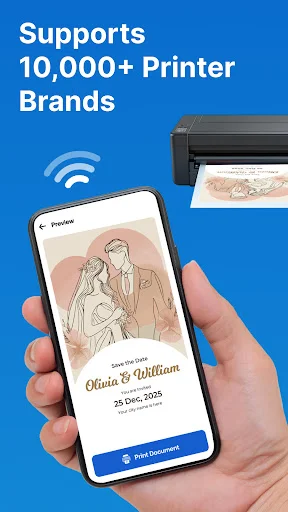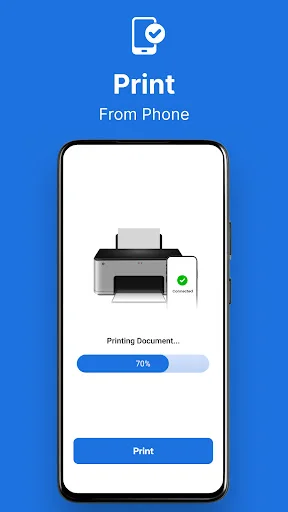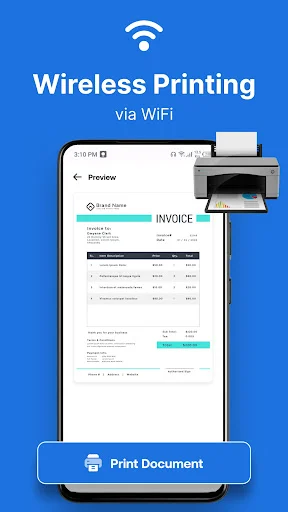
Skip the computer and print photos, documents, and more with wireless ease. Scan physical photos to preserve memories, then customize and print exactly what you need.
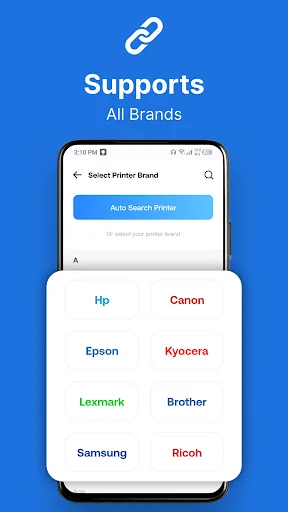
Connect to any compatible printer and print directly from your phone. No computer needed, no cables required – just select your content and send it wirelessly to your printer from anywhere in range.
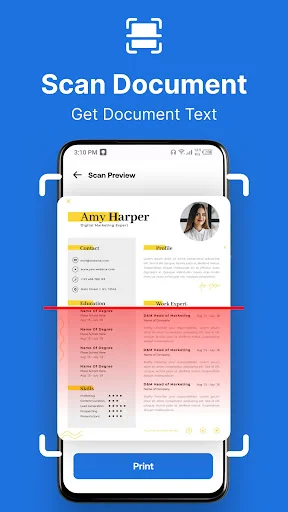
Capture physical photos and documents with your phone's camera to create digital copies. Use OCR technology to extract text from images, ensuring important information is never lost.
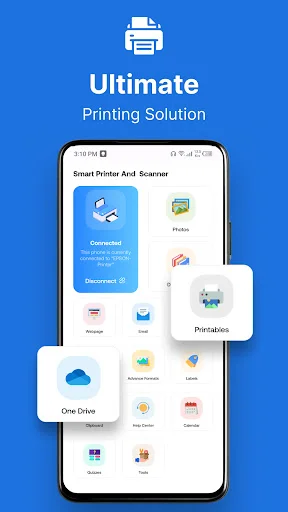
Access photos from your gallery or cloud storage, print PDFs and documents, or capture web pages, emails, notes, and clipboard content. Everything you need to print is supported in one convenient place.
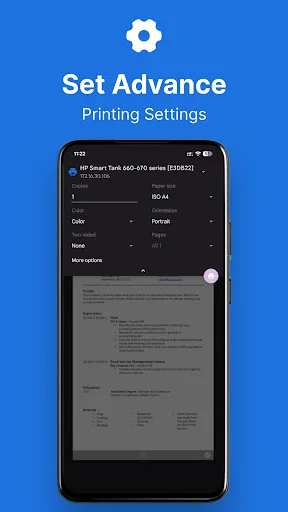
Adjust layouts, choose formats, and control print quality before sending each job. Preview your output, design labels with templates, and ensure every print comes out exactly as you want it.
Turn phone pictures into paper copies. Print Photos App combines gallery printing with scanning tools, document options and adjustable layouts. Connect to a compatible printer, choose your content and prepare the job for your needs.
Print Master: Photo Scanner helps prepare captured images for printing. Use Scan Photos: Mobile Print Apps when you want to scan pictures before printing, and review the result before sending it to your printer.
Use Smart Printer App & Scanner for more than a single photo. Print email content and attachments, web pages, notes and clipboard content. Calendar pages, quiz materials and contact information are also supported.
With Print Photos App, you can prepare gallery pictures without first moving them to a computer. Print Master: Photo Scanner adds another route when your starting point is a physical photo or document.
Photo Printer Pro brings your saved images into a printing workflow with customizable layouts. Use Print Pictures App for a photo you want to keep nearby or share on paper. Check the source image and layout first, since output depends on the file, printer and chosen settings.
Print Master: Photo Scanner supports scanning photos and documents. For text inside an image, the OCR tools extract text that you can print. Scan Photos: Mobile Print Apps keeps scanning and printing in one place, but review captured content before sending a job.
Photo Printing App also offers access to photos held in supported cloud services. Use Print Photos App alongside document and email options when preparing different types of material. Cloud access requires the relevant connection and available files.
Mobile Printer App For Android supports wireless printing within your network range. Connect a compatible printer and review its available settings. Photo Printer Pro includes ads and in-app purchases; check the options offered in the app before choosing a paid feature.
Choose Smart Printer App & Scanner to scan a source, arrange a layout and manage a print job. Return to Print Pictures App for your next image, and create useful printed pages.
All product names, logos, brands, trademarks, and registered trademarks, which are not owned by us, are the property of their respective owners.
All company, product, and service names used in this app are for identification purposes only. Use of these names, trademarks, and brands does not imply endorsement.
This app is owned by us and we are not affiliated, associated, authorized, endorsed by, or in any way officially connected with any third-parties or official brands.
✔I highly recommend the Smart Printer and Scanner app. It's user-friendly with seamless connectivity, making printing and scanning documents from your phone a breeze. Its high-quality output and intuitive interface ensure a hassle-free experience. I really like it.
Great app for quick printing and scanning! It connects smoothly to different printer brands, and the interface is very simple to use. Printing photos and documents from my phone has become super convenient🎀
Smart Printer's wireless printing feature is a game-changer. I can print documents from anywhere in the house without having to physically connect to the printer👌
"Blazingly fast and ridiculously easy to use! This app lets me print documents, photos, and more directly from my mobile device in mere seconds.
The scanner feature is incredibly accurate! It picks up even the smallest details, making it perfect for scanning important documents 👌
I love the app's mobile printing feature! It allows me to print documents and photos directly from my phone, even when I'm on-the-go👌