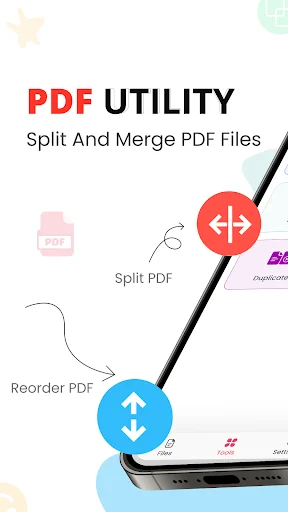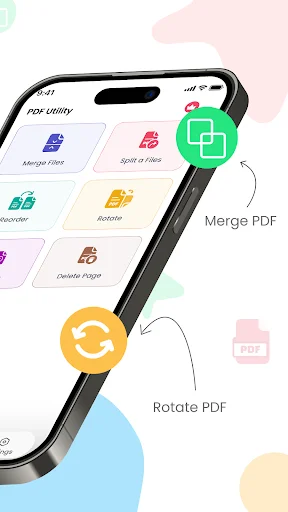
Split, merge, rearrange, and organize your PDF files in seconds. Everything you need to handle documents on-the-go, without the complexity of desktop software.
Combine multiple PDFs into one organized document with just a few taps. Perfect for consolidating invoices, reports, or any scattered files into a single, easy-to-manage file.
Share only the pages you need without sending entire documents. Extract specific pages for warranty claims, assignments, or client deliverables – saving time and protecting privacy.
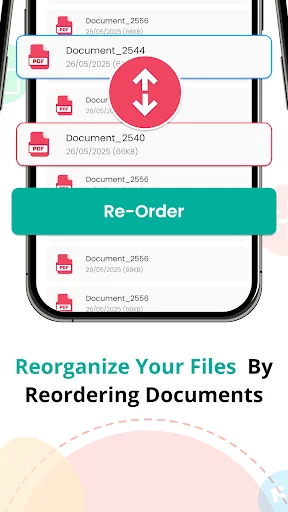
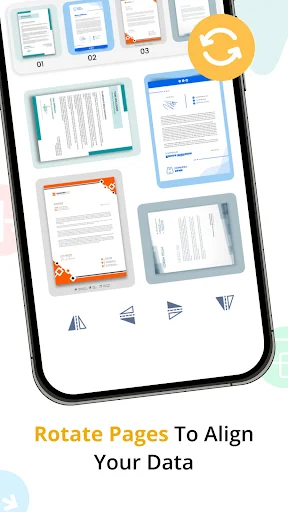
Fix page order and orientation with simple drag-and-drop controls. Turn messy, incorrectly scanned documents into professional, presentation-ready files in moments.
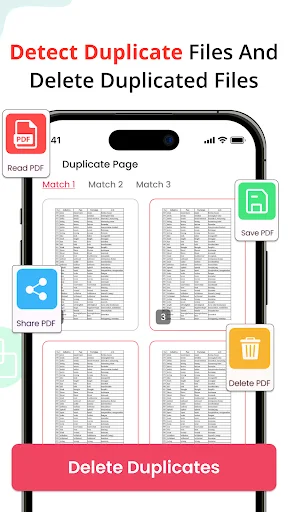
Find and eliminate duplicate pages caused by scanning errors or repeated exports. Delete unwanted pages to create clean, streamlined documents that look professional.
Using this PDF utility, you can perform the following tasks with your PDF files:
This user-friendly PDF merger page allows you to merge PDFs by combining multiple PDF files, deleting or extracting pages from a PDF file, or rearranging pages from a PDF file. Now you can better organize your merged PDF files and split PDF pages by removing extra pages or combining useful pages from different files into one PDF. This PDF manager makes it easy to sort all your PDF files to split files and documents and merge PDF page files. Also rotate PDF file pages and rearrange PDF pages.
In this PDF file splitter and merge app, you can merge files and combine PDF files into one file. You can also rotate PDF pages and files in the PDF rotator and rearrange PDF pages to save time and work quickly in an all-in-one way application. PDF splitter and merge to split PDF documents and merge PDF pages.
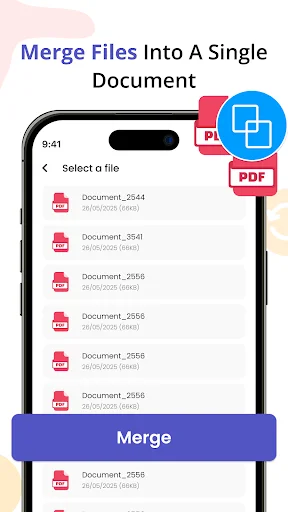
It often happens that your work is divided into different files when you want to group them into a single file. Select PDF files from your mobile phone and merge them. It can merge two or more files.
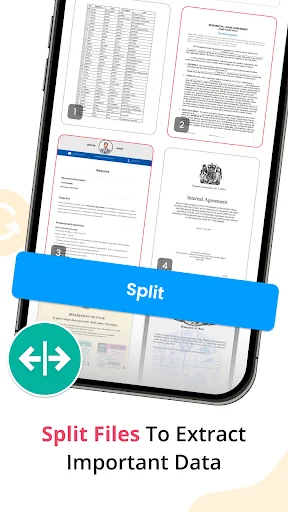
Extract selected pages from a PDF or divide a large document into smaller files. PDF Splitter helps you share only the required pages without sending the entire file.
You can assign page numbers or a specific range to split a PDF file. It provides the following options in PDF Split and Merge:
Select the desired pages or provide page numbers in the Split PDF file editor. Now press the "Delete Pages" button and another file will be saved with the selected pages deleted. You can rename, share or read this PDF using the app's PDF reader.
Tap, hold and move a page to any position to rearrange pages in PDF files.
Select the desired pages one by one or specify page numbers in the split PDF document file editor. Now press the "Extract PDF Pages" button and another file will be saved with the selected pages only.
Fix incorrectly oriented pages by rotating them clockwise or counter-clockwise. Adjust page orientation for better readability and presentation with PDF rotator (Split PDF).
With PDF Merger & Duplicate Finder, manage repeated or duplicate content inside your PDF files more efficiently. Sometimes PDFs contain the same page multiple times due to scanning errors, copying mistakes, or repeated exports. This feature helps identify duplicate pages within a PDF, allowing better document organization.
In Split and Merge PDF, you can rotate and rearrange PDF pages to split PDF documents and merge PDF pages and PDF rotator. Easily merge PDF files in the app and split PDF pages to save time and work more efficiently.
Wanna know how this app has help me??? well I order multiple products from online website Flipkart and the invoice of all the products is in one pdf. one of my electronic devices damage and I need to register my warrenty and I found that multiple invoice is not acceptable. so I download this app and I select the pdf I want to and save the file and upload it into the official website. and guess what this time took my invoice coz now it's only one product pdf. Anyway good thought by the developer.
I usually do not write a review , but this app is so great and useful that I have to review. It works perfectly and it is very easy to use ; I just wanna say , go for it 👍
Excellent app for dealing pdf with ease. I like to suggest this app to everyone to check out. This app really deserves a 5 star rating after all.
Thank God I found this app, it was timely and did exactly what I wanted..... It's an excellent app .... I like it
Exceptional, where it can read files in my phone it makes it easier for me to access and split/ merge my files
i literally tried many apps for larger pdf, but only this app worked, truly great