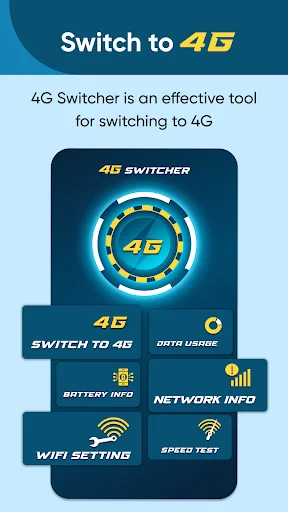
Switch between 2G, 3G, 4G, and 5G networks instantly. Save battery, boost connection quality, and stop dropped calls with complete network control in one simple app.
Force your phone to stay on the network that works best for you. Switch between 2G, 3G, 4G, or 5G with one tap and stop your phone from jumping between weak signals that cause dropped calls and slow speeds.
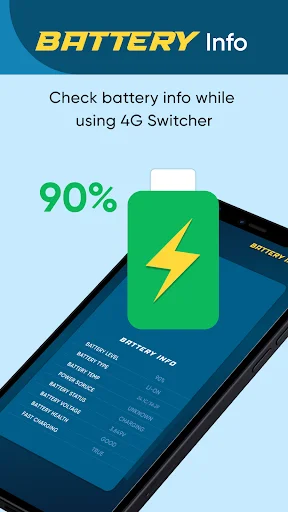
Poor 5G coverage drains your battery fast. Lock your phone to 4G in weak signal areas and monitor battery health, temperature, and voltage to keep your device running longer throughout the day.
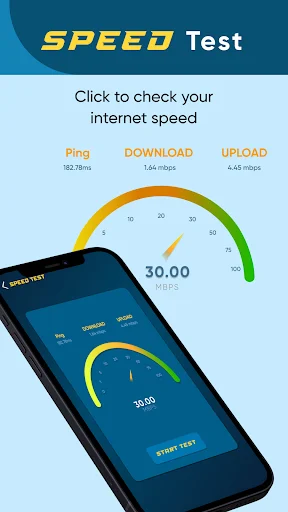
Know exactly how fast your connection really is. Run quick speed tests to check your ping, download, and upload speeds so you always know if you're getting the performance you need.
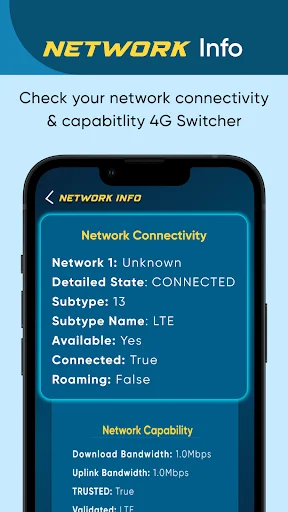
View detailed network info, signal strength, data usage, and WiFi settings all in one place. No more digging through complicated phone menus – everything you need is right at your fingertips.
The 4g switcher app permits the user to enable the 4g LTE mode of their device. 4G is the fourth generation of mobile technology. It is considered that mobile phone technology started with 2G, and then came 3G, and finally, 4g. 2G lets the user send text messages and make phone calls to their loved ones. Likewise, 3G authorizes its users to browse web pages. Finally, 4G offers the same as 3G but with a considerably high speed.
The benefits of 4G fall into three main categories which include clear calls, reduced delays, and improved internet speed. The 3g and LTE allows its user to get these benefits by enabling the 4g LTE mode of their devices. By using the 2g app, the user can not only change the device to 4G but can easily convert it into 2G and 3G.
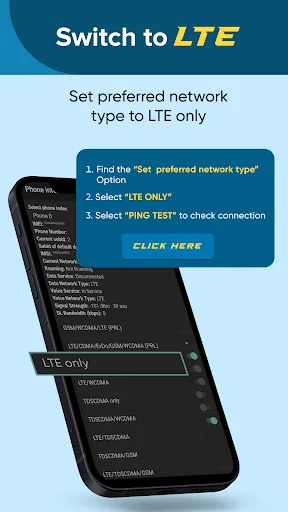
By using the 4g only app, one can set the preferred network type. Furthermore, the 4g LTE only mode provides battery information to the user. Similarly, users of the 4g only network mode can determine the battery status, power plug, battery voltage, battery temperature, etc. Through a 4g switcher, one can easily get information regarding data usage, network, and wifi settings. Finally, a speed test feature is also there to facilitate the user. They can determine the speed of ping, downloading, and uploading. The strength 4g is a mobile-friendly app and is convenient to use. The UI of 4g only is easy to navigate. The user requires no professional guidance to operate the app.
l looked for an app that would allow me to set my S24 FE to 4G only. Stumbled on this app after days of searching for reputable apps. this was able to do it. At first it said error but I refreshed the app after setting LTE only and then I was able to save the changes. Awesome! Take that Samsung! Glad there's companies out there still helping common folk. Thank you Devs!
4G/5G switch LTE mode app is such a amazing app of android mobile.wifi stability,data connectivity and battery saving, network info mode is impressive∆∆
4Gand 5G switcher is a very wonderful app. I am surprised by the results. I highly recommend this app to all of you. Bestest app I ever had. ΔΔ
Though, I am a novice, to use a smartphone, 4G/5G Switcher App enthraled me.
great app.it dose working in myoppo device thanks
it's really useful for network changing