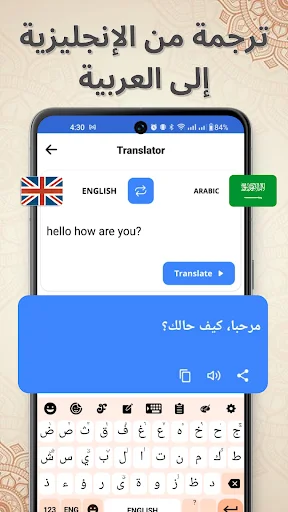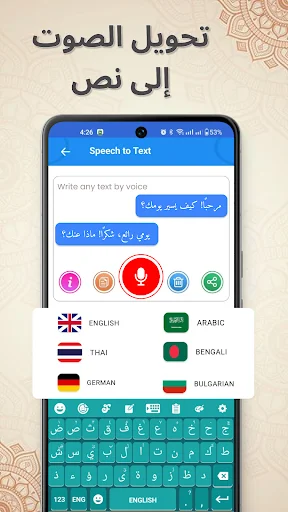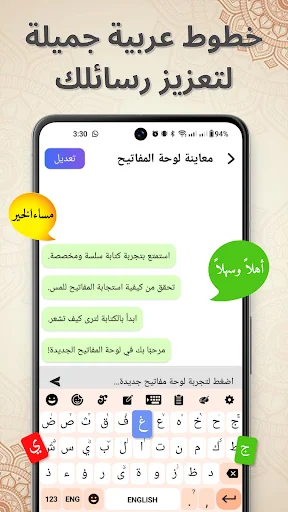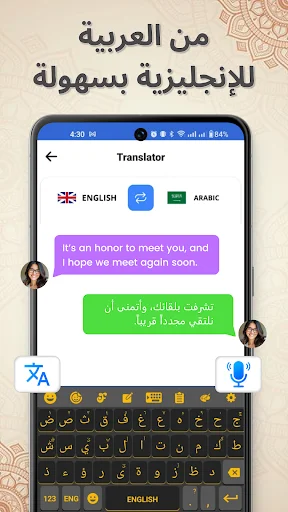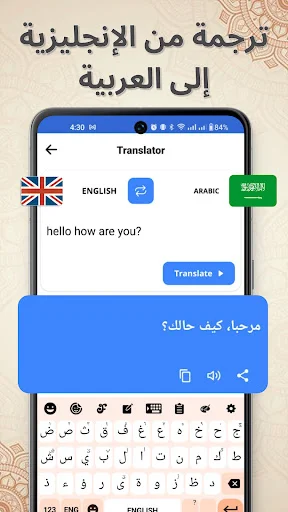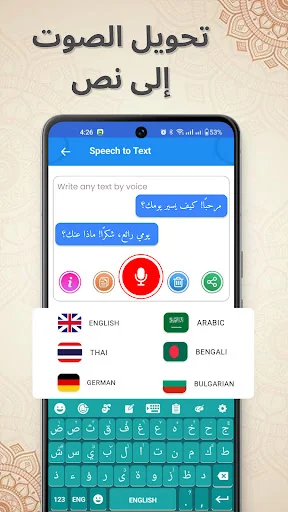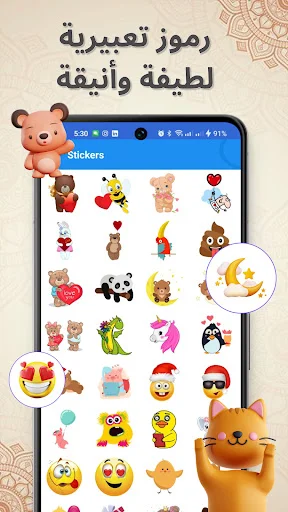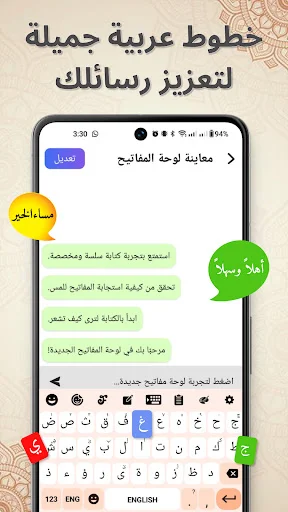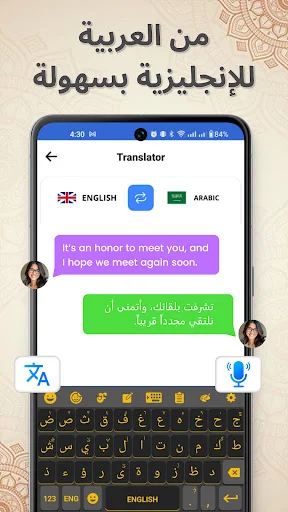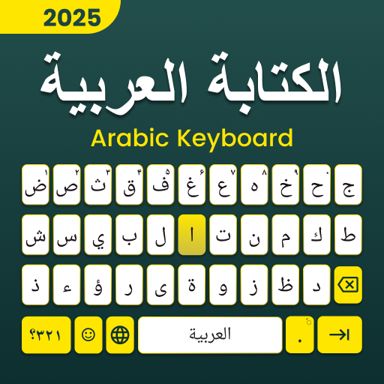
Switch between Arabic and English instantly without changing settings. Enjoy smooth, bilingual typing with Harakat support, smart suggestions, and a clean interface designed for your daily communication.
Move between Arabic and English with one tap while staying in your current app. No more digging through device settings or closing apps to change keyboards – just smooth, uninterrupted bilingual typing whenever you need it.
Access Arabic diacritics easily for accurate pronunciation and formal writing. Perfect for language learners, students, religious texts, and anyone who needs detailed, properly marked Arabic script in their daily communication.
Type faster with predictive text and dictionary support that suggests words as you type. Save time on common phrases and reduce spelling mistakes, making your Arabic and English writing more efficient and accurate.
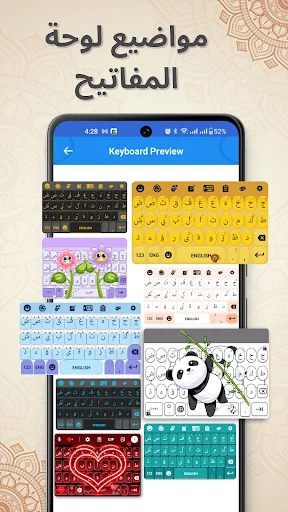
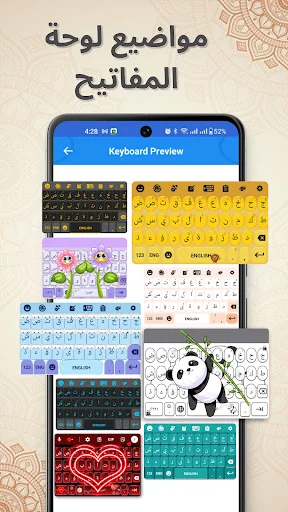
Choose from beautiful keyboard themes that match your style and customize typing feedback with sounds and vibration. Core typing features work without internet, so you can write anywhere, anytime.
Arabic Typing: Jawi Keyboard For Android gives you a simple way to write Arabic letters, words, and full sentences directly from your phone. Switch between Arabic and English without changing device settings, and enjoy a clean typing experience for messages, notes, emails, and everyday writing.
English Type Arabic Keyboard For Android is designed for both Arabic speakers and learners who want quick access to two languages. Type Arabic: Keyboard With Harakat also supports Arabic diacritics for users who need more detailed and accurate writing.
Harakat Keyboard Tool is useful for writing words that require vowel marks and other Arabic diacritics. The layout keeps commonly used characters easy to reach so you can focus on your text rather than searching through menus.
English Type Arabic Keyboard For Android makes bilingual typing more convenient when a conversation includes both languages. Switch whenever needed and continue writing without leaving the current app.
Type Arabic: Keyboard With Harakat gives you access to Arabic script together with supported vowel marks. This can be useful for learners, careful writing, educational text, or situations where pronunciation needs to be clearer.
English Type Arabic Keyboard For Android helps reduce the need to switch between separate input apps. Move from one language to the other while keeping the same general typing experience.
Predictive suggestions can help speed up common writing by showing possible words as you type. Dictionary support also helps make everyday text entry smoother and more consistent.
Choose from available themes to give the layout a look that matches your preference. You can also control key sounds and vibration depending on how you like your typing feedback.
Many core typing functions are available offline, making the app practical when you want to write without relying on a network connection.
Harakat Keyboard Tool keeps the focus on text entry, language switching, suggestions, and personalization. The straightforward layout is designed to make Arabic writing comfortable for regular daily use.
Arabic Typing: Jawi Keyboard For Android combines bilingual input, Arabic script, Harakat support, themes, predictive suggestions, and offline typing in one practical keyboard experience.
It is been fantastic using the app
Its simple and very easy to use
wounderfull arabic keyboard
ماشاء الله Very Good!!!
Best Arabic Keyboard
Nice app so easy