Extract high-quality audio from your videos in seconds. Convert offline, edit with ease, and save space on your phone – all without keeping videos open for playback.
Convert up to 15 videos at once and get your entire playlist ready in minutes. Work completely offline with local files – no internet connection required, keeping your content private and secure.
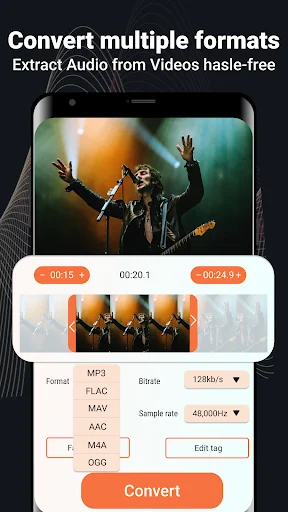
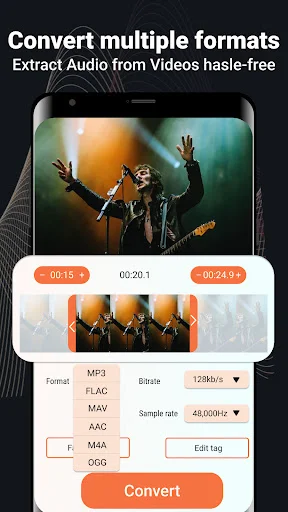
Select from six output formats including MP3, WAV, FLAC, and AAC, then customize bitrate and sample rate to match your needs. Whether you want compact files for sharing or premium quality for listening, you're in control.
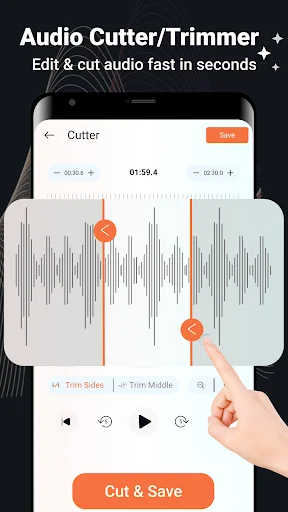
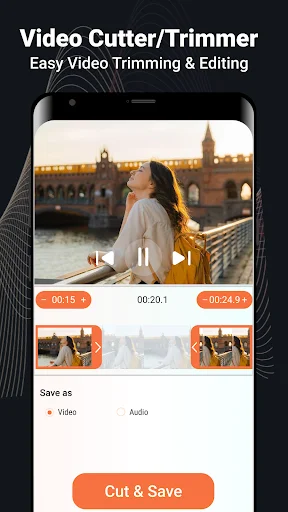
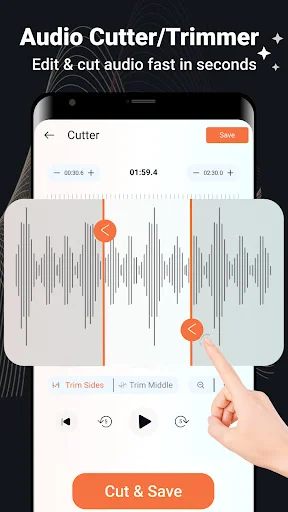
Trim, cut, merge, and mix your audio with powerful editing tools. Adjust speed and volume, add custom tags for easy organization, and create a perfectly organized music library from your video collection.
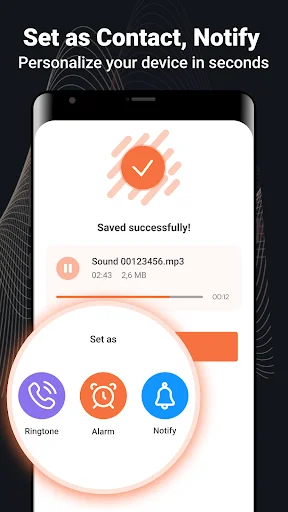
Turn any moment from your videos into unique ringtones, alarms, or notification sounds. Add professional fade effects and preview before saving – make your phone truly yours with personalized audio.
Extract audio from video files on your Android phone and keep a version you can listen to without the picture. This video to MP3 converter combines single-file and batch conversion with tools for cutting, merging and refining your audio.
Work with local files offline, choose your output settings and save the result to your audio collection. Use a complete recording or select a shorter section for a ringtone or listening clip.
Use it when you want the sound from a video you own or have permission to convert, without keeping that video open for playback. Batch conversion helps when you have several recordings to process, while editing tools help you prepare shorter clips or join related audio.
Artist and album tags make saved tracks easier to identify in your music library. Adjustable conversion settings let you choose an output suited to your listening or sharing needs.
Open Video to MP3 and select a video from your device. Choose the section you need, then set the format, bitrate and sample rate available for that conversion. Edit the tags if needed and start converting. For multiple files, use batch conversion with up to 15 videos.
Play the saved audio to check the result before sharing or setting it as a phone sound. Use the separate audio and video tools for cutting, merging or other edits, and find completed files in the output area.
Give the app access to the media files you choose to process and keep enough free storage for the outputs. Offline conversion uses local files; sending them through online services requires a connection and the relevant sharing app.
Supported input and output depend on the file's format, codec and chosen tool. Conversion time, file size and sound quality depend on the source, output settings and device. Increasing the bitrate cannot restore detail missing from the original recording.
Ringtone, alarm and notification use depends on your phone's sound settings. The app contains ads and offers in-app purchases. Convert and share only media you have the right to use.
Mp3 Converter - Video to Music brings extraction, batch conversion and editing together so you can turn video recordings into audio files ready for listening or sharing.
it was really nice to edit video on this app... it is very easy to edit and has many various and beautiful features.. thank you so much
this app is literally brilliant because tho is app is only for 15 mb and it works too sharply
🌟🌟🌟🌟🌟 Super fast and easy to use. Converted my videos to MP3 in seconds. Great quality!
nice app doesn't crash once while using simple and easy to use very well working
perfect for worship songs ringtone❤️☺️im happy. thanks. God bless you.
this app is amazing for converting video to audio