Edit, sign, create, and organize documents right from your phone. No account needed – just open the app and start working with professional-grade tools designed for mobile.
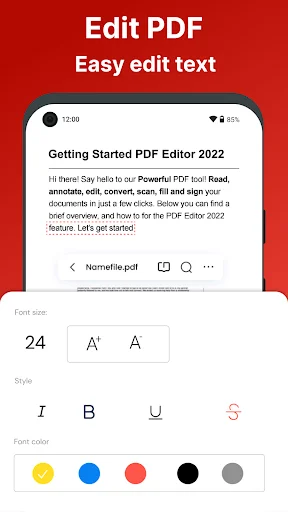
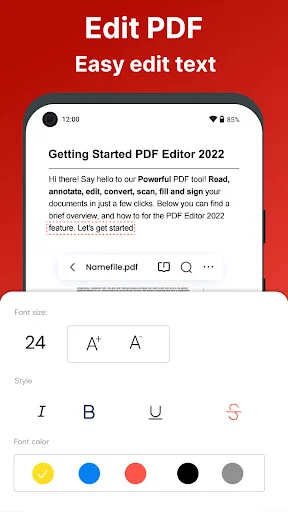
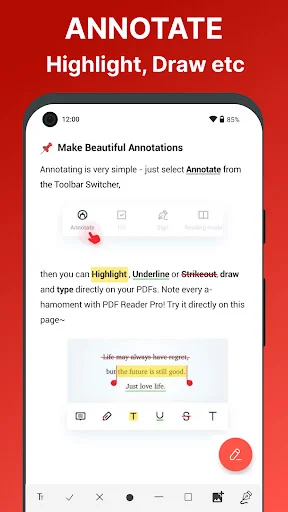
Add text, annotations, highlights, and drawings with flexible formatting that actually fits your documents. Adjust font sizes freely to match existing content perfectly – no more awkward text placement or messy edits that other apps create.
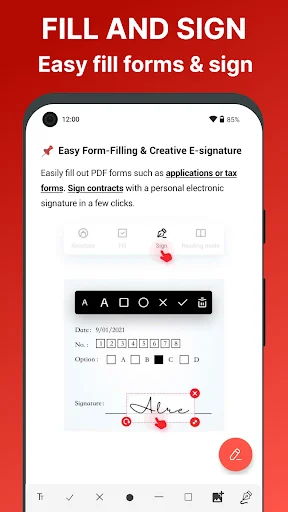
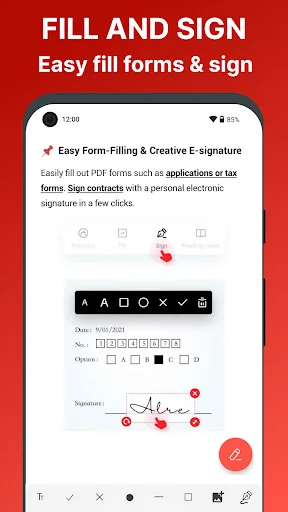
Complete and sign documents anywhere with easy form filling and signature tools. Draw your signature once, save it, and apply it to any form in seconds – perfect for contracts, applications, and urgent paperwork when you're away from your desk.
Turn photos, scans, and images into professional PDFs instantly, or start fresh with blank documents. Perfect for receipts, notes, whiteboard captures, and any content you need to save, share, or print in a standard format.
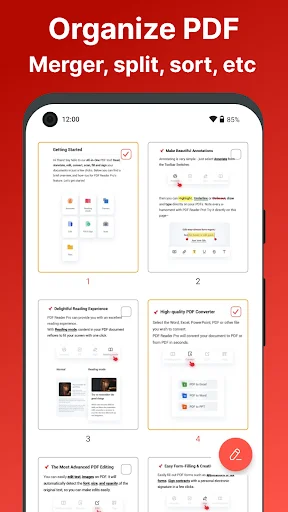
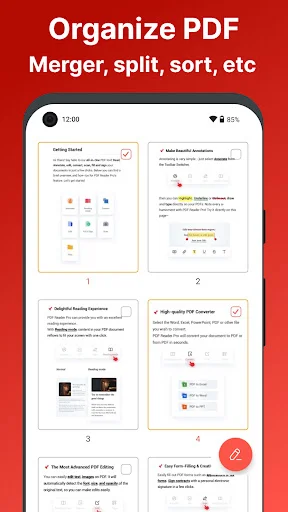
Rearrange, rotate, merge, split, and manage your documents without desktop software. Combine multiple files into one, extract important pages, or reorganize entire documents – all the page control you need right on your phone.
PDF Editor For Android brings everyday document tools together in one convenient workspace. Open files, make annotations, complete forms, add signatures, rearrange pages, convert content, and manage important documents without needing an account.
Image To PDF Signer is useful when you want to turn photos into shareable documents and add an electronic signature. PDF Creator App also lets you start with a blank file and choose page count, orientation, or background.
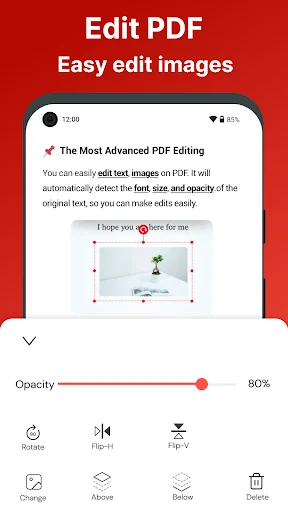
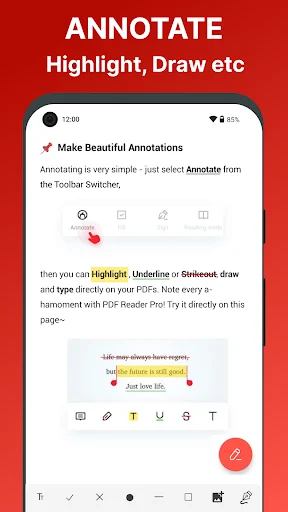
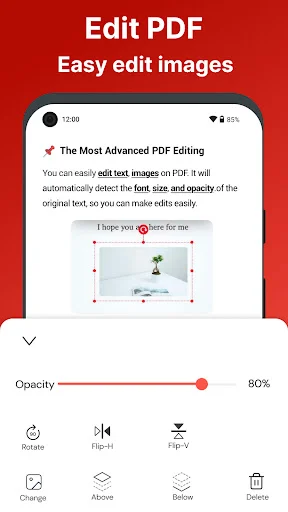
Edit PDF Files helps with everyday corrections and annotations when you are away from a computer. Add comments with sticky notes, mark important text, draw directly on a page, or use available editing tools to change text, fonts, and images.
PDF Maker Tool gives you flexible creation options when you are starting from scratch. Build a blank document or convert existing photos and text into a convenient file for sharing, storage, or printing.
PDF Editor For Android lets you draw a signature with your finger or stylus, or import one you already use. Fill supported form fields for details such as names, addresses, phone numbers, or company information. Annotation tools also make it easy to leave comments or mark sections for later review.
All PDF Reader For Android helps keep stored documents accessible with search, page-by-page navigation, zoom controls, and bookmarks. Different viewing layouts make longer documents, forms, and ebooks easier to read. You can also rename files to keep your library more organized.
PDF Organizer App gives you control over document structure without requiring desktop software. Rearrange pages, rotate them, add blank ones, remove unwanted sections, combine multiple files, or extract selected pages into separate documents.
PDF Creator App supports creating content from images or text and exporting document pages into image or text formats when supported. These tools are useful for photos, scans, forms, notes, work files, and other everyday content.
PDF Viewer For Android makes reading straightforward, while Edit PDF Files provides practical tools when changes are needed. With signing, creation, page management, conversion, annotation, form filling, and password protection, the app keeps common document tasks easier to handle from your phone.
This is super helpful, I spent time in finding a good pdf editor app that could be useful for my pdf file since it has boxes on it that needs to be filled. This is the only one I found that I didn't have problem upon editing and it's final product doesn't messed up like others. And it's free! Recommendable
Very helpful app really. i was struggling to edit pdf on other apps coz the text am writing won't fit with the ones on the pdf coz the apps won't minimizes the font beyond certain level, but this app lets me minimize/maximize however i want allowing me to edit & fit my texts to evey pdf... thanks so handy
Fastest, easy to use and pdf filler. Even the free version is absolutely awesome, with exciting options to chose from like signing, image input,and the easy edit features all give you the satisfaction you have never had.
I am very satisfied with the performance of this app,less ads,more work without a hassle.....keep it up
The first pdf app that has impressed me even just using free mode. Keep it up.
Amateur Technician in construction and maintenance in Wiremanship.