Stop seeing file errors and start reading instantly. Access PDFs, Word, Excel, PowerPoint, and more with one powerful app that manages, secures, and organizes your entire digital library.
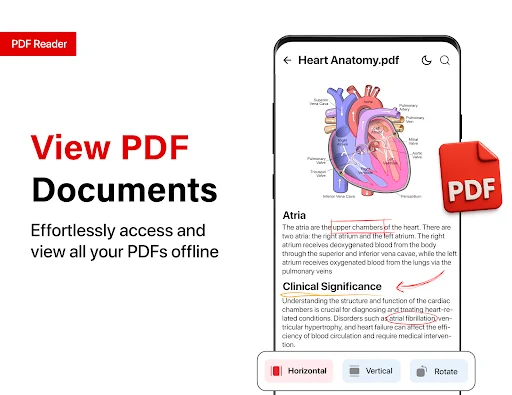
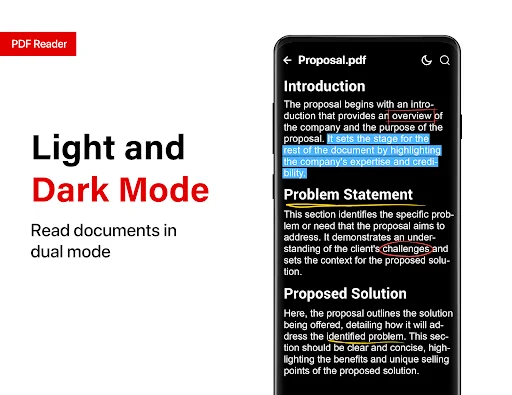
Never face a 'cannot open file' error again. Instantly view PDFs, Word documents, Excel spreadsheets, PowerPoint presentations, EPUB books, and text files – all in one app with smooth horizontal or vertical reading modes and dark mode for comfortable nighttime viewing.
Stop wasting time searching for files. Automatic local scanning builds your document library in seconds, while smart sorting by name, size, or date keeps everything organized. Bookmark favorites and access recent files to keep your workflow moving fast.
Protect sensitive information with built-in password protection that lets you add or remove encryption in seconds. Your documents stay completely private on your device – we collect zero user data, giving you total control over your information.
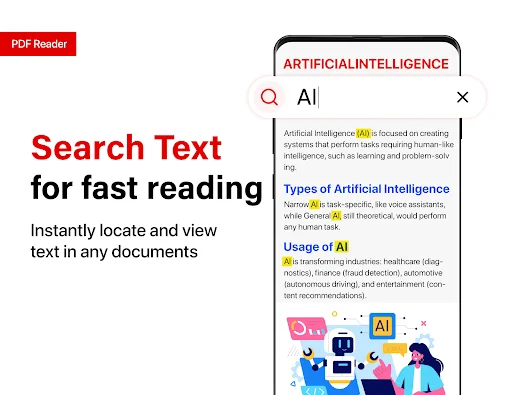
Skip the endless scrolling through long documents. Jump directly to any page number or use the powerful text search to find exact passages instantly. Perfect for quickly scanning reports, manuals, contracts, or study materials without losing time.
All PDF Reader For Android Free is built for those frustrating moments when you want to look up an important document but your mobile device lacks the native capability to read the file. It is a massive relief to see a digital tool turn an inaccessible file error into a clear, perfectly formatted presentation in a matter of seconds.
It is that simple to use the PDF Viewer For Android whenever you want to be clear about your data analysis or reading goals. Using the software to optimize your office routine is efficient and is streamlined with an automated local scan that instantly populates your document directory.
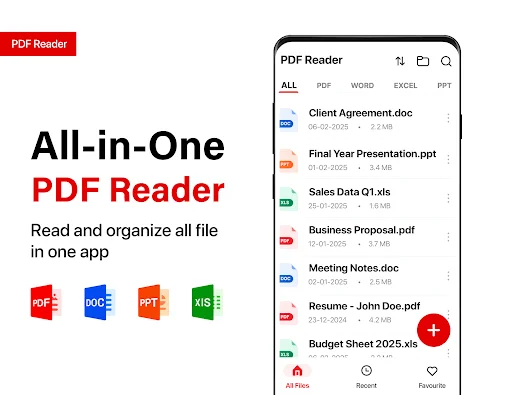
The tool seamlessly renders standard PDF documents alongside Excel spreadsheets, Word reports, PowerPoint slides, and specialized extensions like EPUB, TXT, HTML, and RTF, allowing you to cycle between horizontal and vertical reading modes comfortably.
The PDF Manager App feature has great benefits for your career and your daily peace of mind. It acts as a comprehensive localized file manager, letting you securely rename, delete, and sort your files by name, size, or date. To keep your high-priority intelligence completely safe, you can instantly add or remove secure passwords directly within the software. Frequently viewed files can be quickly bookmarked as favorites, while the intuitive recent folder ensures your current workflow never has to stop.
The PDF Organizer Tool is best shown off when you want to add a bit of technical accuracy to a normal routine. Use the targeted internal text search tool to find specific passages, or input a precise page number to jump directly to your destination without endless scrolling. It is an excellent way to stay ahead of your schedule, and the results are incredibly effective when scanning through massive manuals, school assignments, or financial forecasts by name.
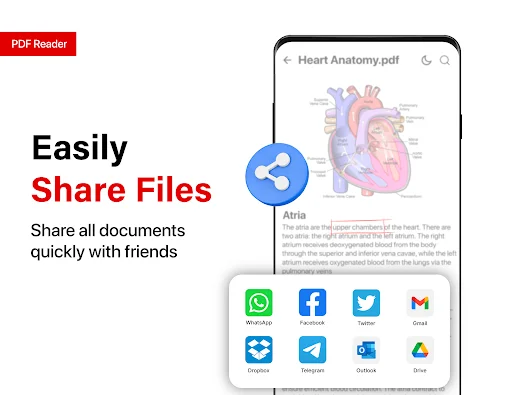
What differentiates the performance of this PDF Manager App is how safely it handles your local device ecosystems. Within the All PDF Reader For Android Free setup, you can immediately share your files across messaging clients or send them to a synchronized printer for physical copies. To maintain absolute operational integrity, the PDF Organizer Tool requires all-file access permission solely to catalog and organize documents on your storage device, ensuring the developer collects zero private user data in the process.
Opening and organizing your paperwork should be fast, intuitive, and secure. Enjoy the software and explore how much easier it makes your daily text reviews and administrative targets. Go ahead and download the application now. Experience the technology on your own Android device today and see how easy it is to become a master of your own schedule in just a few taps. Ready to read? Your digital journey begins right now!
It's a nice and wonderful x app because previously I installed some other similar apps on my phone by they were all operating slowly... When I installed this one I started enjoying my personal revisions and the downloaded pdfs
This is the best app ever. No annoying ads and it's just works fine.Really love it..
It's really help me because I can access all file that I need to download
PDF Reader all is superb easy to use and keeps documents well
I love the display of all my documents on pdf. Great work
Simply smart and reliable.