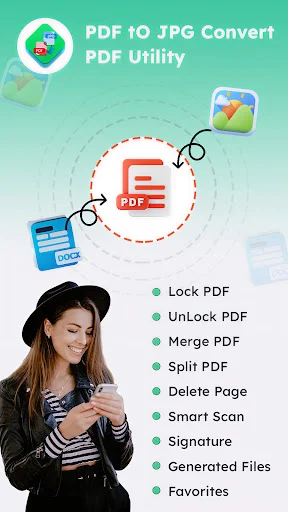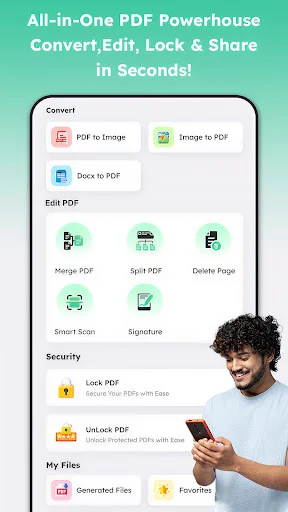
Transform JPG to PDF and PDF to JPG instantly on your phone. Compress files, organize documents, and share professional-looking files wherever you are – no computer needed.
Switch between JPG and PDF formats whenever you need. Upload photos as documents or extract images from PDFs – you get complete flexibility for any website requirement or project.
Reduce file sizes to fit email limits and upload restrictions. The KB size optimizer keeps your images sharp while making them small enough to send anywhere, saving your phone storage too.
Get your converted files in seconds, not minutes. The app processes your documents instantly so you can keep moving with your day without frustrating delays or waiting screens.
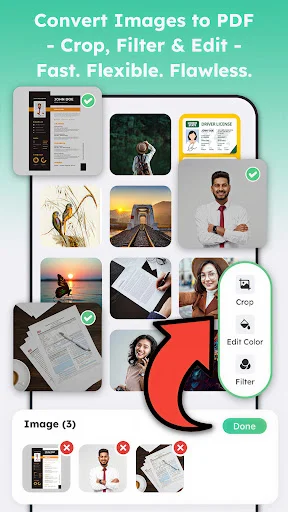
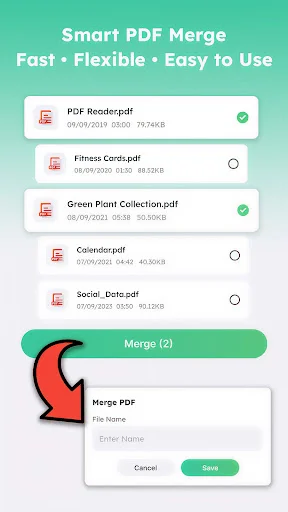
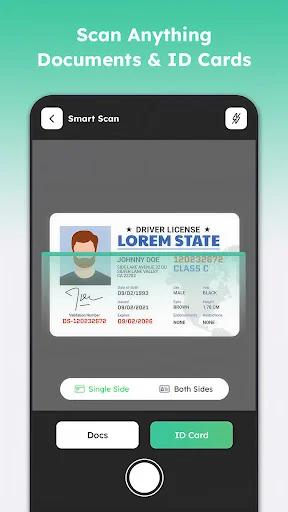
Crop images, merge multiple files into one PDF, and apply filters to make scans look crisp. Turn receipts, contracts, and photos into polished documents ready for work or school.
Have you ever tried to upload a photo only to find out the website needs a document format instead? It is really amusing to see how a simple tool can actually take those heavy images and make them professional PDFs in seconds. JPG To PDF Converter For Android is built for those times when you need to save space or organize your files on your device. You keep your photos but the file layout is just better.
Life moves fast and honestly it is just nice to have a way to turn a PDF back into a simple image file without any stress at all. Using the JPG To PDF Converter For Android to fix your library or even to clear up your storage is fun and is streamlined. Users of this tool have fun with the results. People using the software see their new files appear instantly. It is that simple to use the PDF To JPG Converter & Editor.
With the Image To PDF Tool, magic feels as if it can occur on your screen while the app processes the data. In just seconds, the software makes the document much lighter for sharing over email. All you have to do is tap the button and let the Image To PDF Tool do its magic. This helps settle those moments when your storage is completely full or you need a scan. Perfect results become possible with the smart mode, activated within the Image To PDF Tool.
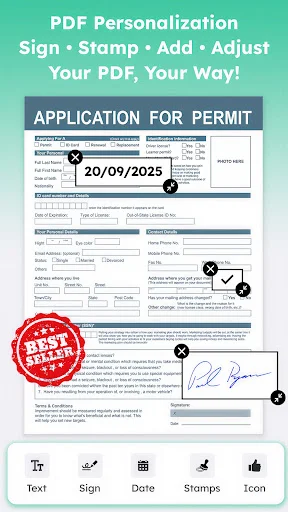
The Photo To PDF Maker feature has great benefits for your creative projects or school work. It even helps you with high quality edits like cropping or applying filters to your scans. Using the built-in Photo To PDF Maker system, you can pick between merging multiple files or signing a contract. It does the heavy lifting so you can focus on the content. Users of the Photo To PDF Maker have a great experience.
The PNG To PDF Converter is best shown off when you need to grab a specific graphic and turn it into a printable page. Check the output folder so you can see your new high quality document ready to send. It is a great way to stay organized with your invoices. The results are often surprising for the text clarity. Users like to see the PNG To PDF Converter results right on their own devices. The software really makes the PNG To PDF Converter feel very fast.
What differentiates this JPG To PDF Converter With KB Size from others is the way it handles compression. Within the JPG Converter to PDF, you can find a way to fix a file that is too large for an upload. It is that little extra piece of functionality that helps the JPG To PDF Converter With KB Size stand out. Users of the JPG Converter to PDF like the easy navigation. They really like how the JPG Converter to PDF keeps their media ready. Using the Img PDF Creator ensures that every scan looks sharp. The Img PDF Creator is perfect for turning receipts into lists. You will find that the Img PDF Creator makes office work much easier.
Fixing your files should be quick! This app is all about quick swaps and fun ways to manage your documents while you are busy. Enjoy the software and have fun with what the PDF To JPG Converter & Editor does for your phone. Go ahead and download the JPG To PDF Converter For Android now. Experience the JPG To PDF Converter With KB Size on your own phone today.
Best FREE PDF to JPG that I've found in the Google Store. I found a few that says FREE once downloaded and converted they were not free. All of them charge you a fee. Fees were between $1.95 for 7 days to $39.99. PDF2JPG app is free as of today March 7, 2023, it's fast and does its job. No ads during this process. Thank you Developer(s).
THANK GOD for Developers who seek SIMPLICITY, they are THE ONLY SANITY; in our tech-gone-whack world! [I downloaded the Free, then bought Paid version in a matter of minutes to say: THANK YOU to this Crew!] *"Works beautifully, simply; and QUICKLY on my: Android O/S 11, TCL 30-Z" Gregory
Excellent App , it solved my problem. I want to convert PDF file to jpg( getting Pdf from intertel mobile storage and convert, it make done, other app take file/ image from just gallery Not gives other options... Love this app . most Recommended ❤️👍👍
Simply awesome! I went from the need, to a search, download, install and successfully fulfilled my need in the span of about 1 minute. No glitches, no ads, no BS! All apps should be this easy!
Very very useful app. It works very smoothly and above all quality of the jpg or png output is extremely up to the mark. Many many thanks for creating such a wonderful application.
This app is a much needed tool for me. I convert a lot of flyers and postings to jpegs for our church h newsletter. It's very easy to use. Just follow the prompts.