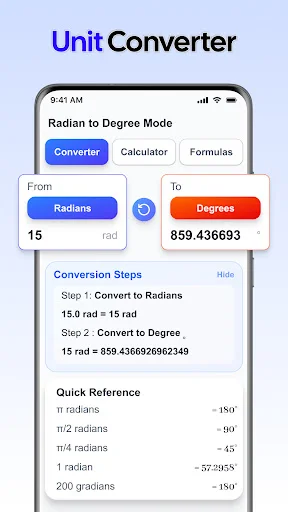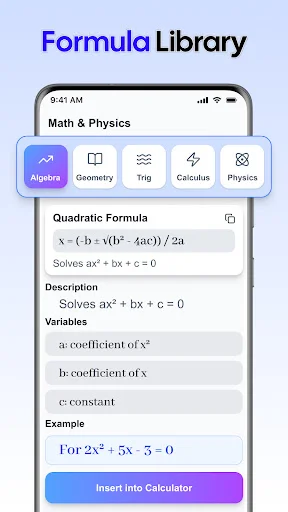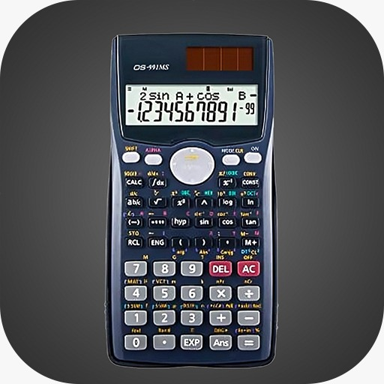
From quick everyday sums to advanced scientific calculations, get all the tools you need in one clean, easy-to-use app. Perfect for students, professionals, and anyone who values simple, reliable math.
Stop switching between different calculator apps. Handle basic arithmetic, scientific functions, trigonometry, logarithms, and even tax calculations all in one place. Whether you're studying algebra or checking your budget, the right tool is always ready.
Your work doesn't stop when the Wi-Fi does. Use every feature completely offline, so you can solve problems during class, on the road, or anywhere your calculations take you. No connection required, ever.
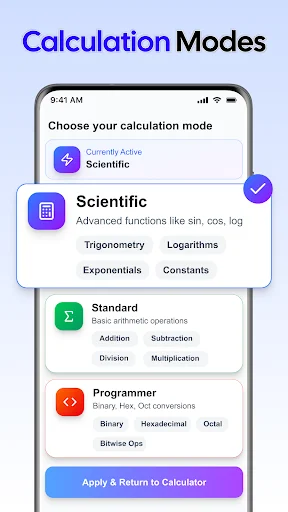
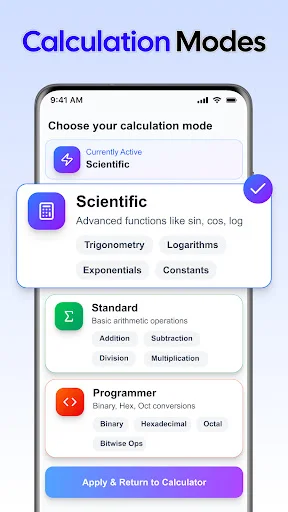
A clean design means less confusion and faster results. See your numbers clearly, switch between basic and scientific modes easily, and choose dark mode when you need it. Your calculations stay simple, even when the math gets complex.
Tackle multi-step calculations without losing your place. Store important values in memory and recall them when needed, making it easy to work through longer formulas and scientific problems without starting over.
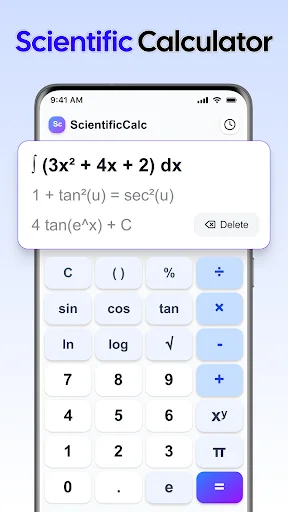
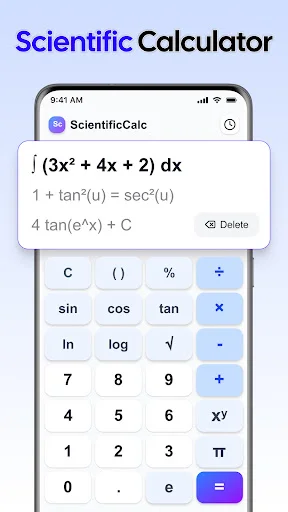
Handle quick sums, study problems and more advanced calculations with a clear, practical calculator. Designed for students, engineers, professionals and everyday use, Math Calculator Tool brings basic arithmetic and scientific functions together so you can work through different tasks in one place. Calculate percentages, explore fractions or use trigonometry and logarithms when your work calls for more than addition and subtraction. The clean interface helps you focus on your numbers, from a simple total to a longer formula.
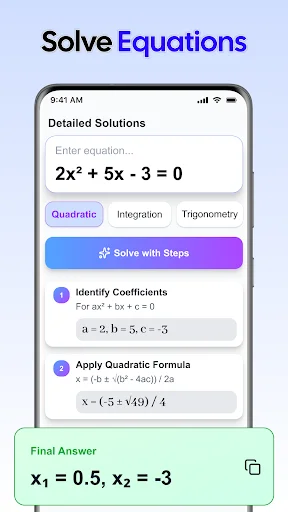
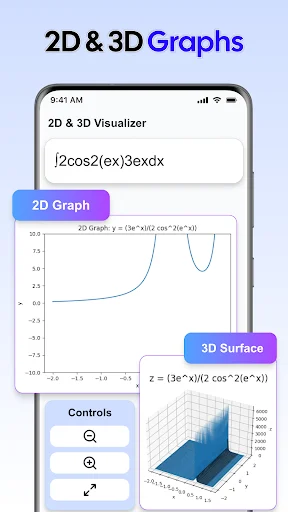
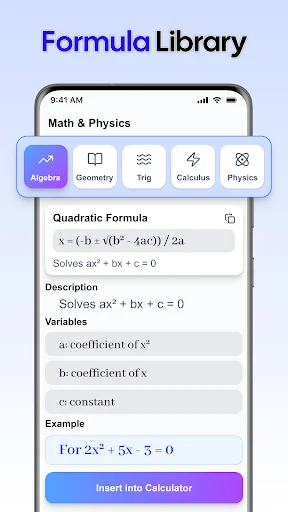
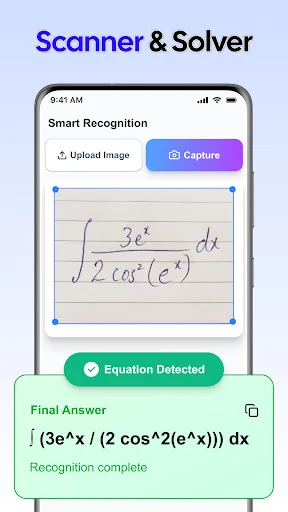
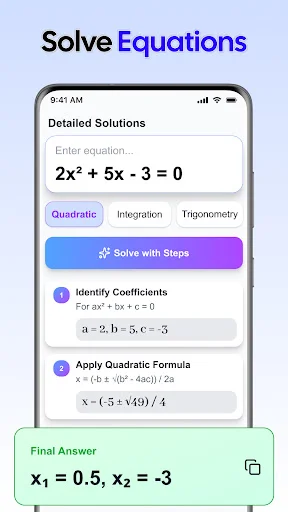
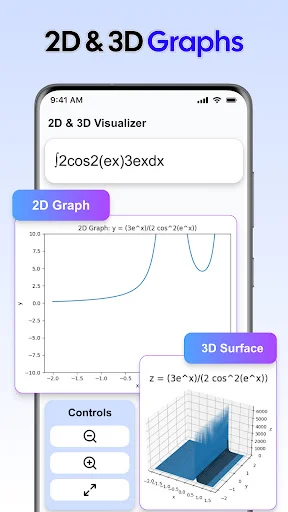
Move between familiar arithmetic and more demanding work without changing your approach. With Real Scientific Calculator App, you can explore algebra, geometry and trigonometry using functions suited to each task. Check which angle mode your problem requires before working with sine, cosine or tangent, then review the result alongside your original values.
Keep Math Calculator Tool nearby for engineering formulas, physics exercises and chemistry calculations. Logarithms, exponents, roots and powers give you more ways to work through numerical problems. Memory functions help you carry useful values forward when a calculation has several stages.
Use Tax Calculator App for tax-related percentage calculations based on the amounts and rates you enter. You can also work out percentage changes, check business totals or review figures for accounting and everyday budgeting. Keep basic and scientific functions together as your tasks change.
For quick totals and routine checks, Easy Calculator App keeps the process straightforward. Whether you are studying at home, reviewing work figures or checking a result on the go, the simple layout helps you focus on the numbers. Switch to dark mode when you prefer a different screen appearance.
An internet connection is not always available when a problem needs attention. With Easy Calculator App, offline support lets you continue calculating during study sessions, while travelling or away from your usual workspace. Keep working through quick checks and longer calculations in a familiar interface.
Bring Real Scientific Calculator App into your daily routine and keep useful mathematical functions close at hand. From classroom exercises to practical calculations, make room for a clearer, more convenient way to work with numbers.