View all your XLS and XLSX spreadsheets with a simple, fast, and offline-ready app. No complicated features – just quick access to your documents whenever you need them.
Access your spreadsheets anytime, anywhere without internet connection. Perfect for viewing expense reports, result cards, and work documents on the go, even in areas with poor connectivity.
No more waiting or frustrating lag. Our lightweight app loads your Excel files in seconds, so you can view your data immediately and stay productive throughout your day.
Quickly find and reopen your most recent spreadsheets without searching through folders. Stay organized and save time with easy access to all your frequently viewed documents.
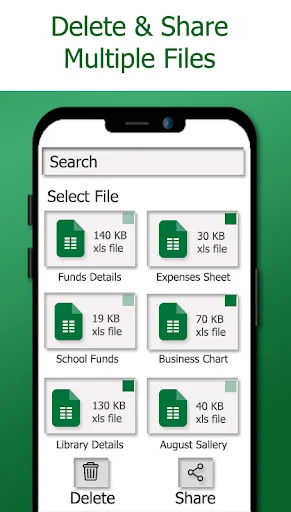
No learning curve or complex menus to navigate. Just open the app, select your file, and view your spreadsheet. Share or delete files with a single tap when needed.
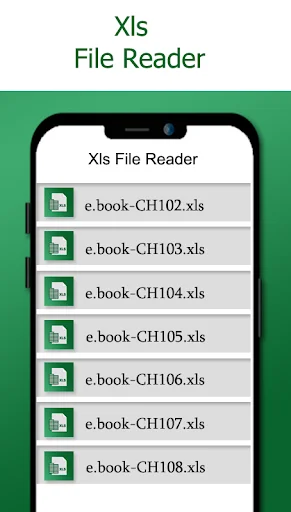
XLSX File Reader & XLS Viewer app allows you to read and open all kind of XLS documents. You can delete and share your xls files and also view your recently opened XLS files in this xlxs file reader app.
The basic purpose to develop this XLXS File Reader: XLS reader, XLSX viewer app is to open your all kind of spreadsheet documents without wasting any time. XLSX reader and viewer app is an efficient and productive tool for read and view documents. This app has a straightforward interface that enables you to open and read spreadsheets with a few clicks of buttons. All you need to do is open the program, find the file you want to view in the app, and open it quickly.
xlxs file viewer allows you to open your spreadsheets. This XLS Document Reader application is launched for the reading and view documents xls easily. Open every kind of XLS files with this xlsx file opener: xls reader app.
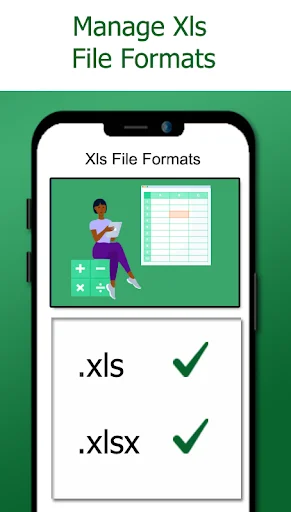
XLXS File Reader: XLS reader, XLSX viewer app is also compatible with the android version 11. Now you can open and review your all spreadsheet XLS sheets in all android versions. You can open result cards, spreadsheets and expense sheets using this XLS file viewer: xlxs reader app.
Having a lot of spreadsheets files in your android device? Not having any tool which can open your XLS documents? Simply install this XLXS File Reader: XLS reader, XLSX viewer app and open every kind of xls files.
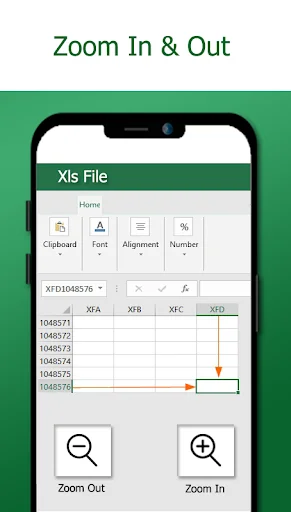
Zoom-in or zoom-out page view by this XLS file viewer app. This spreadsheet reader app for android has the ability to load all XLS files in the app by which you can easily find your all xls documents in the app and you don't need to find them in another place.
In this XLS file viewer: spreadsheet app you can also check your recently opened xls documents. It is offline view xls files app like you don't need any internet connection to open your xls files.
Our XLS reader, XLSX viewer app is absolutely safe and secure application because it is not taking your any personal data or information. Our app is not sharing your personal data to third party.
Excellent XLSX file reader! It opens all my Excel sheets instantly without any lag. The interface is clean, simple, and perfect for quick viewing. Very helpful for work and study🥰🥰
“Excellent XLSX file reader app! It opens Excel files quickly, supports smooth scrolling, and makes viewing spreadsheets simple and hassle-free. Very useful for work and study.”🌷
XLSX File Reader & XLS Viewer is a super easy and fast tool for opening spreadsheets. It loads files instantly and keeps all formatting neat and clear.🥰🥰
This XLSX file reader is a lifesaver, opens and views Excel files smoothly! Simple interface and works offline, perfect for on-the-go access🌹
This app makes reading Excel files so convenient and stress-free. It handles all spreadsheet formats perfectly with smooth performance🥰🥰
A reliable and easy to use XLSX file reader that lets you view spreadsheets quickly with a clean and intuitive interface🥰🥰