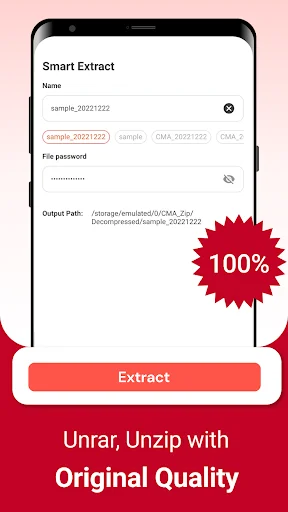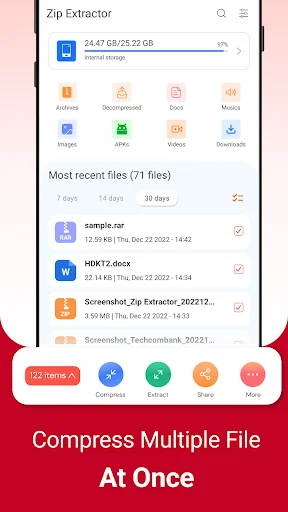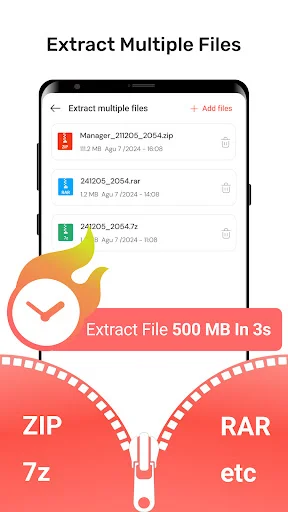
Extract ZIP, RAR, and compressed files in seconds. No computer needed – access your important documents, manage storage, and compress files anywhere you go.
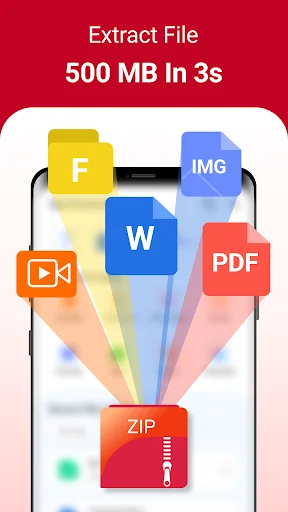
Open ZIP, RAR, and other compressed files directly on your phone in seconds. Never wait to get to your computer again – access work attachments and large files anywhere, anytime.
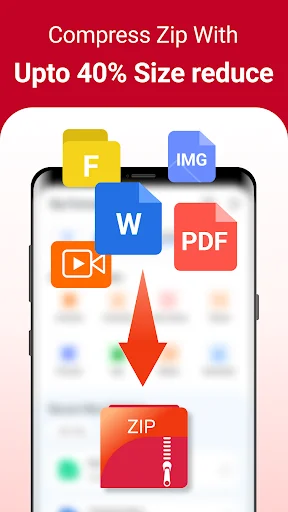
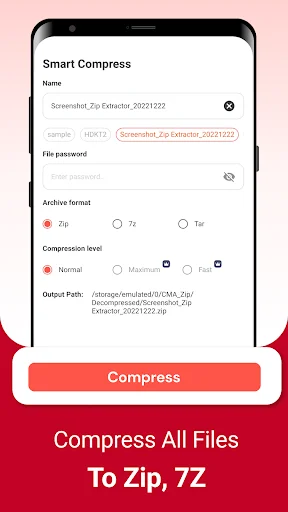
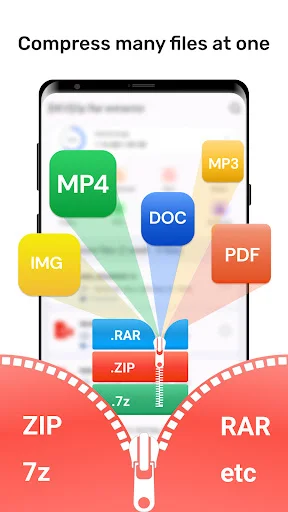
Compress large files to save valuable space on your device. Share big folders easily by creating smaller ZIP files that are perfect for email or messaging apps.
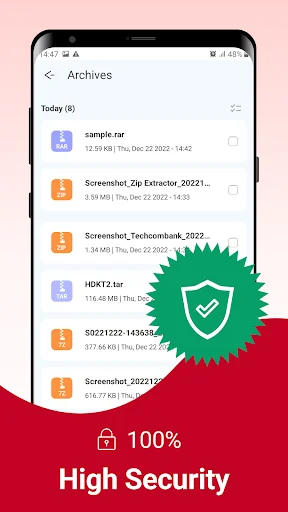
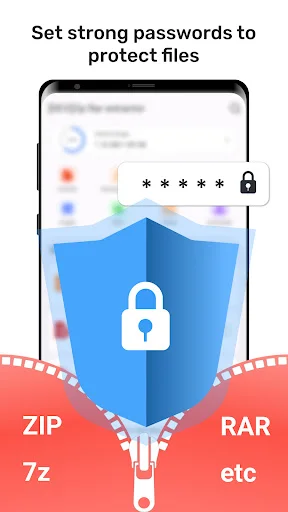
Protect sensitive documents with password protection and AES encryption. Keep your work files, personal photos, and confidential data safe from unauthorized access.
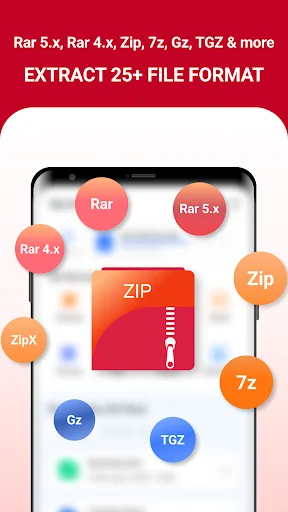
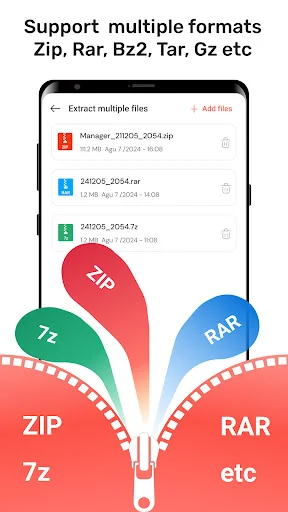
Support for ZIP, RAR, 7z, ISO, JAR, and many more formats means one app handles all your archive needs. No more switching between multiple tools or dealing with compatibility issues.
Have you ever received a giant folder at work only to find out the attachment is just way too big for your phone to open? It is really amusing to see how a simple tool can actually take those heavy archives and make them accessible in seconds. Zip Extractor: Rar Opener is built for those times when you need to handle dozens of documents on your device. You keep your important data but the file management is just better.
Life moves fast and honestly it is just nice to have a way to turn a 5GB archive into a simple zip format without any stress at all. Using the Zip Extractor: Rar Opener to fix your downloads or even to clear up your storage is fun and is streamlined. Users of this tool have fun with the results. People using the software see their new files appear instantly. It is that simple to use the Rar Extractor: Zip File Opener.
With the Unzip: Zip File Opener, magic feels as if it can occur on your screen while the app processes the data. In just seconds, the software makes the file much lighter for sharing with your boss. All you have to do is tap the button and let the software do its magic. This helps settle those moments when your phone storage is completely full. Perfect results become possible with the smart mode, activated within the Zip Maker: Rar File Extractor.
The Zip Maker: Rar File Extractor feature has great benefits for your creative office projects. It even helps you with high quality tools like AES encryption or 7z support. Using the built-in system, you can pick between compressing a video or adding a password. It does the heavy lifting so you can focus on the work. Users of the Unzip Files: Rar Reader For Android have a great experience.
The Zip File Reader: Rar Viewer is best shown off when you need to grab a specific photo from a massive folder. Check the output folder so you can see your new high quality file ready to play or view. It is a great way to stay organized with your email attachments. The results are often surprising for the transfer speed. Users like to see the Zip File Reader: Rar Viewer results right on their own devices. The software really makes the Zip File Reader: Rar Viewer feel very fast.
What differentiates this Rar File Viewer: Zip Manager from others is the way it handles almost every file format from ISO to JAR. Within the Rar Extractor: Zip File Opener, you can find a way to fix a corrupted download. It is that little extra piece of functionality that helps the Rar File Viewer: Zip Manager stand out. Users of the software like the easy navigation. They really like how the Unzip Files: Rar Reader For Android keeps their media ready. Using the Unzip Files: Rar Reader For Android ensures that every document is safe.
Fixing your files should be quick! This app is all about quick swaps and fun ways to manage your archives while you are busy. Enjoy the software and have fun with what the Rar File Viewer: Zip Manager does for your phone. Go ahead and download the Zip Extractor: Rar Opener now. Experience the Unzip: Zip File Opener on your own phone today.
[EDIT] Thank You very much for keeping the App updated, developed, and improved. • A great application that offers good archiving quality and data compression. Highly recommended. I purchased the lifetime pro license, and I am satisfied with the quality, stability, & compatibility of this product by far. Hopefully my Lifetime Pro License will never be converted into a subscription plan like many other Developers have done. Because it is a Lie by obscuring the meaning of "Lifetime". Thank You🙏🏻
Right away I was captivated by the feature that allows file compression, as it's not commonly found in most Android apps. Shortly after, I was presented with the opportunity to upgrade to the paid version, which I promptly did. This resulted in even greater file compression! While saving 9 MB from a total of 500 might not seem significant, it can make a substantial difference when operating with limited resources in a IDE. I highly recommend this app it's awesome and does more then you think.
I find this app even with the ads very enjoyable to use. i have been using it on three different android devices and it is really working well for me and saving me so much time getting my files organized for my etsy and eBay businesses. I've only had it a few days and I've already organized 100's of files.
Does what it says it will do. My phone is much smother and no longer lagging anymore because I've freed up storage after compressing files that this app helped me do. I'm not tech savvy but I found this really easy to use.
This app is superb! within just few seconds it completed a work that computer will take more time to complete. A big thank to the developers.
This is probably one of the best extractors ive used, and I tend to struggle with finding something that actually works for me.