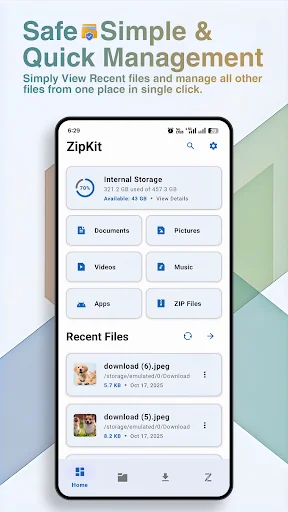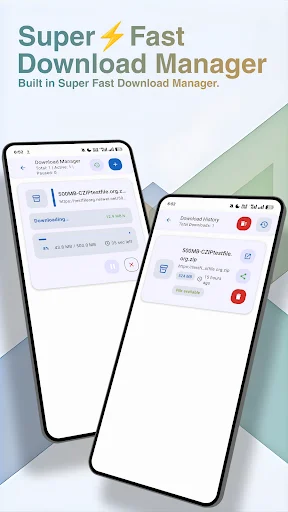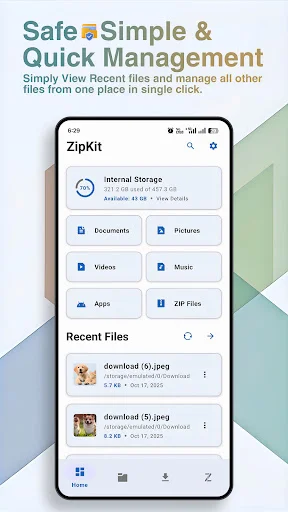
ZipKit combines powerful file management, ZIP extraction, and media viewing in one clean app. Browse your storage, extract compressed files with progress tracking, and preview content without switching apps.
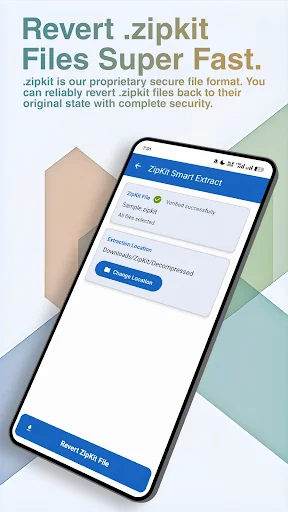
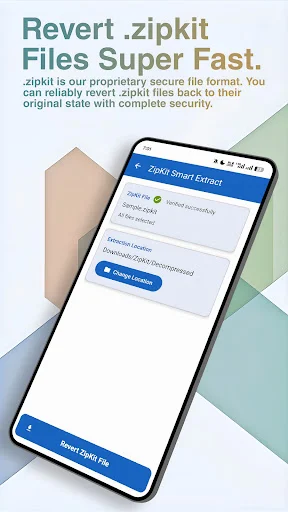
Open and extract ZIP archives with fast processing and clear progress tracking. You'll always know exactly what's happening, and extracted files are immediately ready to view and organize.
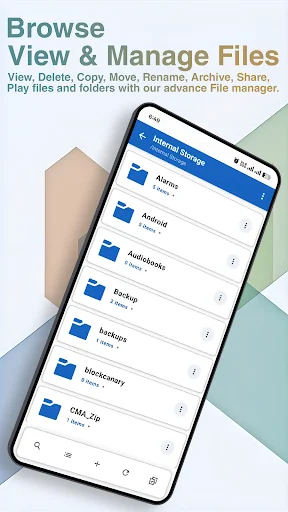
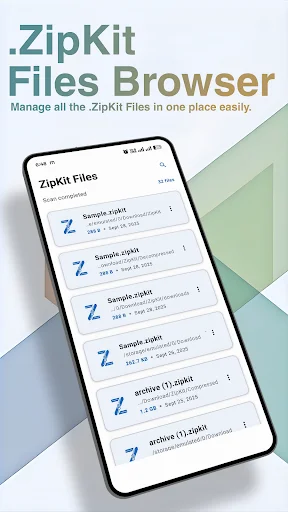
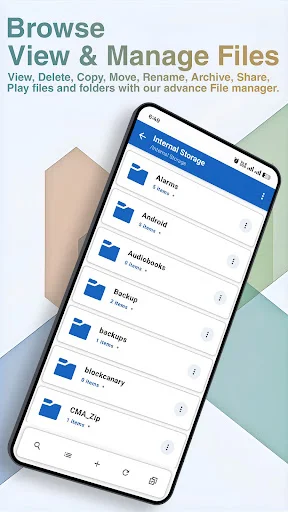
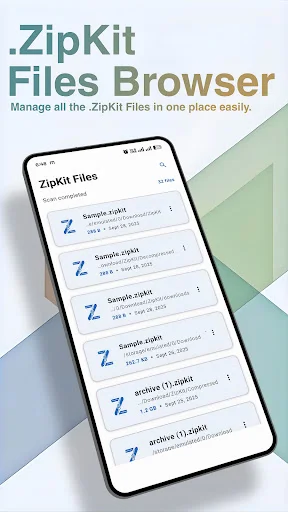
Browse folders, move files in batches, and keep your storage neat. Find everything from downloads to documents in one place, with full control over selections, deletions, and organization.
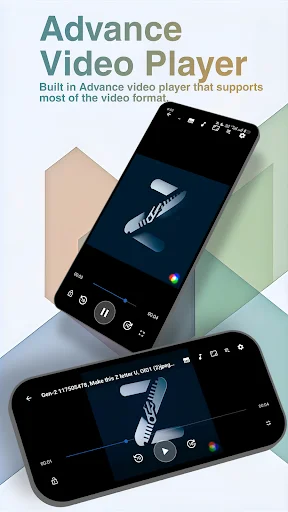
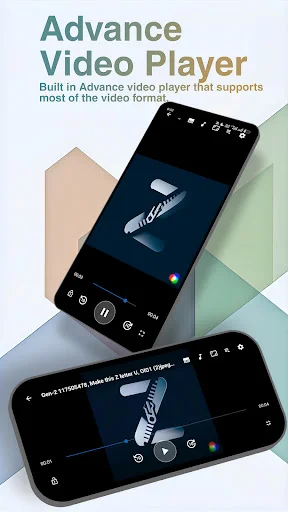
Built-in viewers let you see images, documents, and videos right inside ZipKit. The advanced video player supports multiple formats, so you can preview content before moving or sharing it.
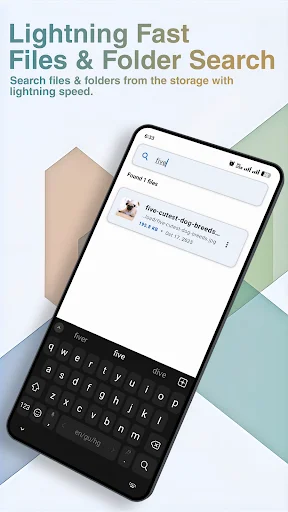
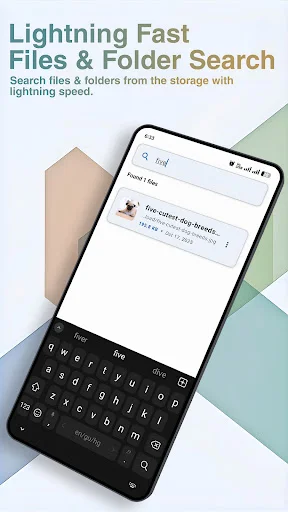
Smart search helps you locate files by name, type, or category instantly. No more endless scrolling – just type what you need and access it immediately, even in large storage folders.
ZipKit: My File Manager For Android helps you browse files, manage folders, open archives, and handle compressed files from one clean place.
Unzip File Opener App makes it easier to extract ZIP archives with progress tracking. Zip Manager: File Explorer also supports local file organization, so you can find, view, move, and manage.
Zip Opener: File Browser is helpful when you need a simple way to move through internal storage, downloads, documents, images, videos, and archive folders.
Zip File Extractor App supports ZIP extraction and custom ZipKit file extraction.
Manage Files And Folders gives you practical control over everyday storage tasks. You can browse directories, organize items, work with multiple selections, and handle files in batches.
Zip File Extractor App is built for users who often deal with compressed files. It can extract ZIP archives with clear progress tracking and also support the ZipKit format for enhanced compression. Unzip File Opener App keeps archive access straightforward, so opened files are easier to review afterward.
Zip File Reader: File Management includes viewing support for different file types, including images, documents, and media. The app also includes an advanced video player with broad format support and an inbuilt image viewer, which makes it easier to preview content without leaving the file manager.
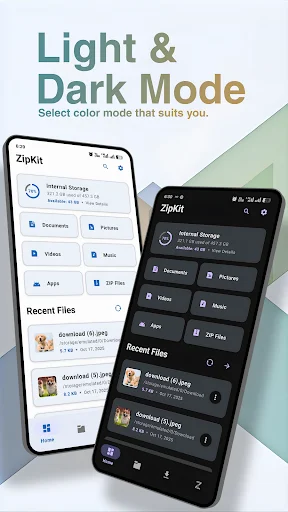
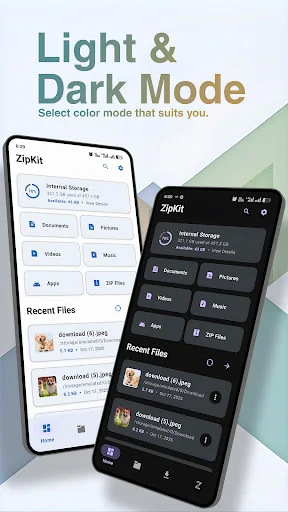
Zip Manager: File Explorer helps you locate files quickly with smart search by name or type. The app uses safe file handling, permission management, and error recovery for smoother operations. A modern material-style interface with dark mode support makes browsing more comfortable.
ZipKit: My File Manager For Android gives you a practical way to browse, extract, preview, search, and organize files locally on your device. With archive tools, batch actions, media viewing, dark mode, and secure local processing, file management feels cleaner and easier.
I love the UI Perfect & simple app for zip and unzip and most usefull feature I found that is search option very good I can find any file that I want 👍🏻
very useful app and the file search feature is also very handy I find my files very quickly.
best file manager app 👌 and the recent feature is very useful.
best app for zip and find files very fast.
Excellent app for unzipping
Verry good app file manager