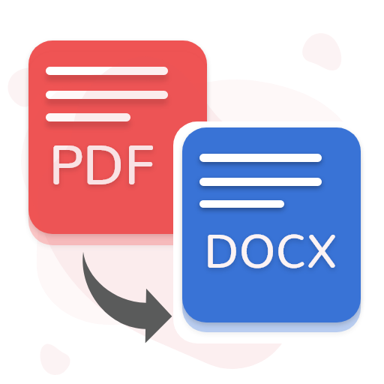
Stop retyping scanned documents by hand. Convert PDFs to Word format right from your phone and edit them anywhere, anytime.
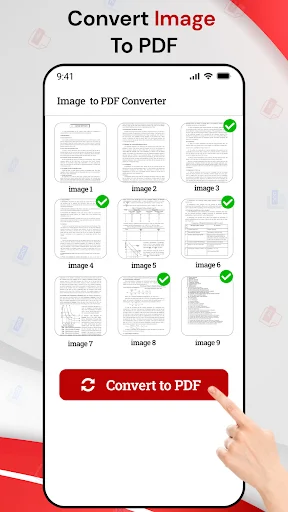
Extract text from scanned pages, photos, and images automatically. The app reads your documents and turns them into editable content, saving you hours of manual typing.
No need for a computer or internet connection. Transform PDFs into Word documents directly from your phone, whether you are at school, in the office, or traveling.
Just pick your file, tap convert, and get your editable document in seconds. The clean interface works perfectly for beginners and busy professionals alike.
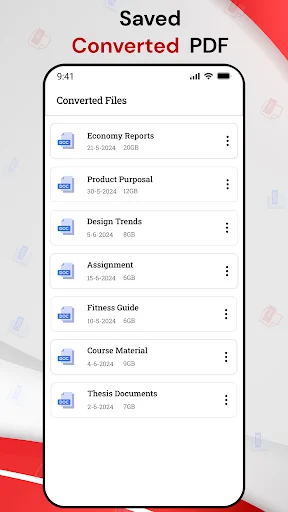
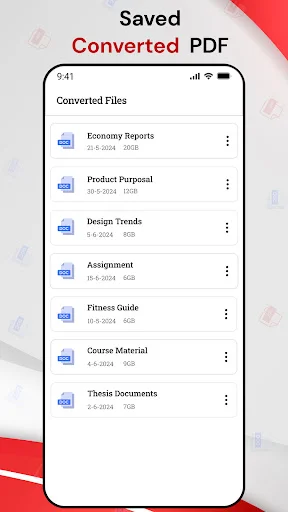
View, rename, organize, and share all your converted documents in one place. Keep your work files organized and ready to access whenever you need them.
OCR PDF To Word Converter helps you change scanned pages, forms, notes, and saved documents into editable word files with simple steps. Choose a file, start conversion, and keep your work easier to edit, rename, save, or share.
PDF Word Converter is useful when you need a fast way to work with document content on your phone. PDF Converter To Word keeps the process simple for school tasks, office work, reports, letters, and daily file editing.
PDF Change To Word helps when a document looks locked, scanned, or hard to edit. You can convert it into a more flexible format and continue working without retyping everything by hand.
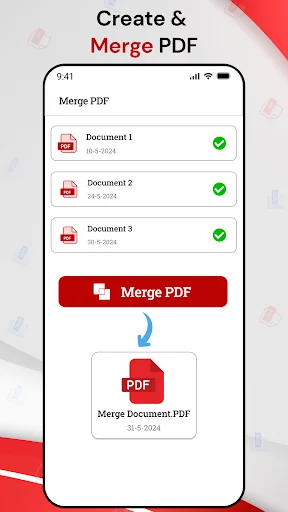
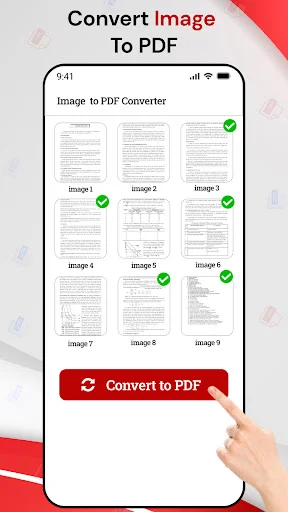
PDF Maker For Android is helpful when you want to create a clean document from your phone. It works well for notes, short reports, simple records, and text-based files.
OCR PDF To Word Converter also saves time when you need text from scanned pages. Instead of copying words manually, you can let the app extract content and prepare it for editing.
PDF Word Converter is made for users who want fast conversion without confusing menus. It can help students update notes, office users edit reports, and anyone manage important files more comfortably.
PDF Converter To Word keeps your workflow practical when you need to make changes after receiving a fixed document. You can convert the file, open the result, and continue editing in a supported word editor.
PDF Change To Word gives you more freedom when document text needs updates. With easy file selection and quick output, your phone becomes a useful tool for everyday document work.
PDF Maker For Android adds extra value by helping you create simple text-based documents from your device. It is practical for quick notes, drafts, lists, and files you want to organize neatly.
OCR PDF To Word Converter gives you a smarter way to handle scanned content, while keeping the process clear for beginners. With conversion, file sharing, renaming, and document creation tools, this app helps you finish daily tasks faster and with less hassle.
I just spent the last 2 hours trying to convert my pdf to a word document. This annoying stress process literally wasted 2 hours of my life although word does convert it it messes up the document layout word got it wrong. It wasnt untill I found this amazing app. Thanks God.
Really easy to use 🌞 Worked great when converting pdf to Word got it done in less than 5 minutes. Does not ask you for a subscription. It does have pop up ads but I don't mind them, I know they have to make their money some how if they're not asking for a subscription.
The best converter I have ever come across. So easy to use without wasting time, I will recommend this app to everyone. I am writing this happily because it just made my impossible project possible
I finally found an app that could do d job after trying so many other apps but couldn't get d required result. Converts from pdf to word without any stress. Thanks.
Beyond my expectation! This app runs smoothly without any lag or technical problems, making the process of converting files faster than ever.
Brilliant app. The formatting within the word doc was spot on; exactly what I needed in the short time I had to edit the PDF.