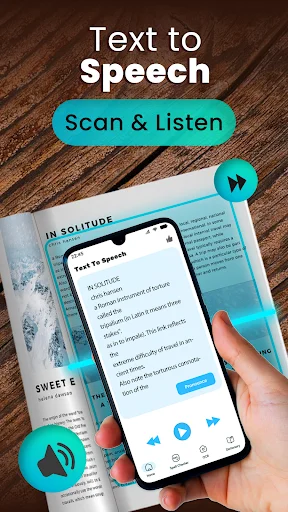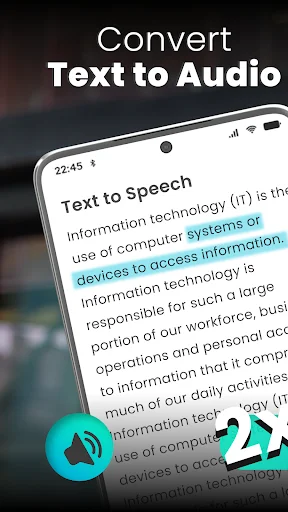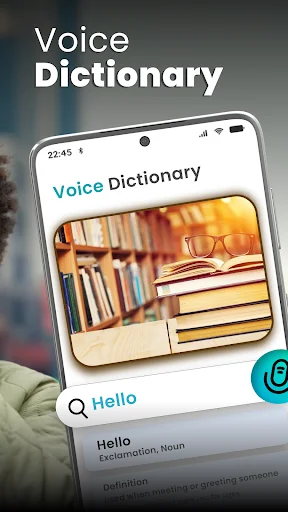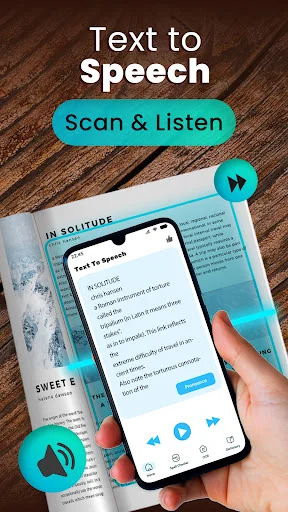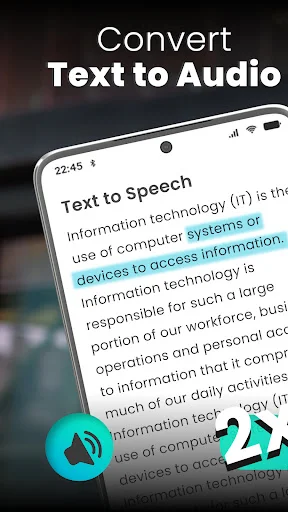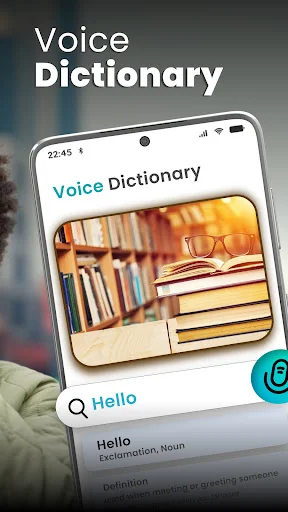
Listen to articles, notes, messages, and books with natural-sounding voices. Perfect for accessibility, learning, or when your eyes need a rest from the screen.
Type, paste, or import your text and hear it spoken immediately. No complicated setup or confusing menus – just enter your text and press play to start listening right away.
Adjust speed for faster or slower reading, change pitch for a voice that suits you, and set volume to your comfort level. Make every listening experience feel natural and easy to follow.
Create voiceovers for projects, save study materials for later, or keep important reminders as audio files. Your spoken text is saved as a .wav file ready to use whenever you need it.
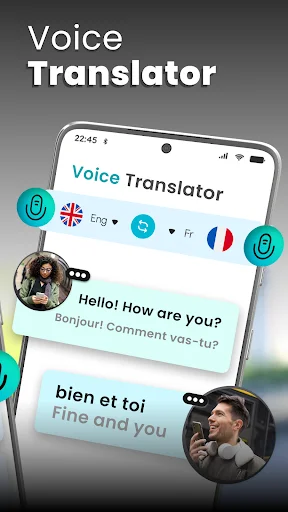
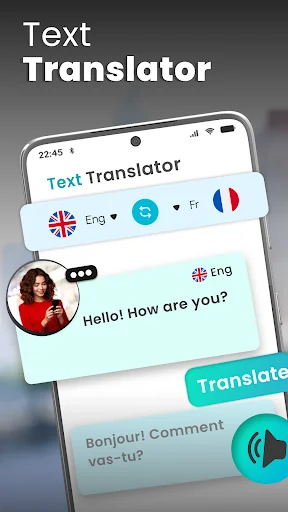
Choose from multiple language options to hear text in the language you understand best. Great for language learning, translation help, or communicating across language barriers.
Real Voice Text to Speech App helps you turn typed, pasted, or copied text into spoken audio. It is useful when long paragraphs, books, notes, messages, or scripts feel tiring and you prefer to listen.
Speech To Text Reader gives you an easy place to type text, choose a language, and hear it through the speaker button. Voice Aloud Reader App also helps you save generated audio for voiceovers, study use, or later listening.
Speak To Text Reader is helpful when you want a fast way to hear what you have written. You can type directly, paste copied text, or import text files when supported.
TTS Reader App lets you control how the voice sounds before saving or sharing. Adjust speed if reading feels too fast, change pitch for a lighter or heavier voice, and set volume for listening.
Voice Aloud Reader App is useful for users who do not want to read long text on a small screen. It can help with books, paragraphs, study notes, scripts, and written content that is easier to understand by listening. The app focuses on clear pronunciation and simple playback.
TTS Reader App can generate audio from written text and let you save the result as a .wav file. This is helpful for voiceover projects, personal reminders, learning materials, or listening later. The save button becomes available after the app finishes reading.
Read Aloud Text Voice Reader includes customization for the listening experience. Increase pitch for a sharper voice, lower pitch for a deeper sound, speed up reading for quick playback, or slow it down for careful listening. Volume control helps make audio louder or quieter.
TTS STT Text Speak App includes practical tools for daily text handling. You can copy what you wrote, clear the text box, import text files when available, and share generated content through supported options. Speak To Text Reader keeps these controls easy to find on the main screen.
TTS STT Text Speak App gives you a simple way to convert text into spoken audio with language selection and voice controls. Whether you are studying, preparing a voiceover, or resting your eyes, this tool makes listening to text more convenient.
So simple I hope my 93 year old mum who has lost her speech through a stroke will be able to use it to phone and communicate by putting the phone on speakerphone to listen and use the app to speak. I have tested a number of these apps but this is the simplest
The app does exactly what it says. I am loving it. The voices are good and the speed and pitch adjustment features are very easy to use. Very nicely made app, kudos to the developers for making such a flawless app.
This is the best app in tye world. You can't just convert text to speech, it has a translator and a dictionary and other coollll features. Definitely try it. I would recommend this outta many others!!!
I am hearing impaired I have lost my voice due to infection. A lot of people do not understand sign language so thi makes things so much easier for the hearing people.
I use this because ive had a really bad stroke and cannot speack clearly anymore even though i have tried to relearn to speak with a speach therapist!!
I love this app I don't know how to read and because of this app and help me to know how to read I give this app full on 5Star