Capture meetings, lectures, and ideas with AI-powered transcription and summaries. Spend less time reviewing recordings and more time using what you learned.
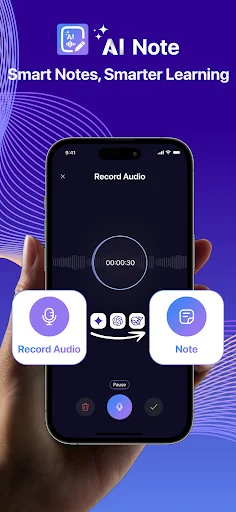
Turn speech into text in real-time during meetings and lectures. Never worry about missing important details while you focus on the conversation. Background recording keeps capturing even when you switch tasks.
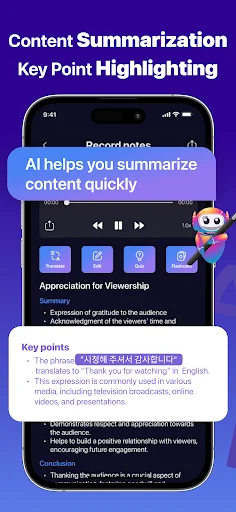
Save hours of review time with automatic summaries that highlight key points and conclusions. Read the essential information first, then explore the full transcript when you need more context.
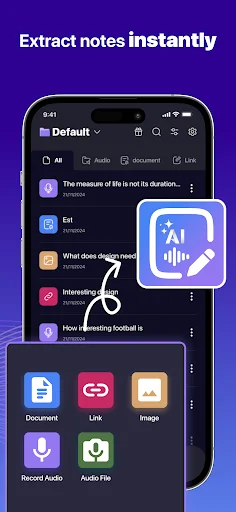
Generate notes from audio files, images, PDF documents, and video links. Extract text from photos of whiteboards or slides, analyze uploaded documents, or pull key points from video content – all in one place.
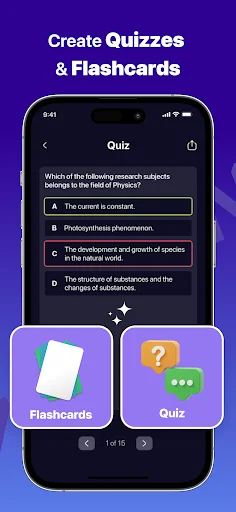
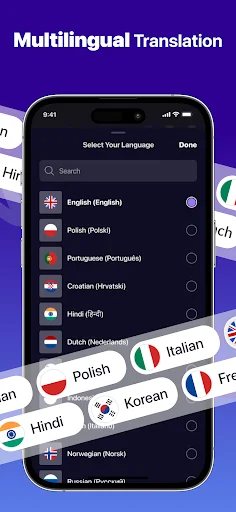
Transform your notes into quizzes and flashcards for effective learning. Ask questions through the AI assistant to clarify concepts, or translate notes into other languages for easier studying and sharing.
Keep spoken ideas, study materials and meeting information together. With AI Note Taker For Meetings, you can capture audio, turn speech into text and summarize the points you want to revisit. Review discussions, lectures and voice notes with less time spent sorting through information.
Return to the important parts of a discussion. AI Note Taker For Meetings brings recording, transcription and summaries together so you can review what was said without relying only on handwritten notes. Keep the full transcript for context, then use highlighted points and generated conclusions to make your review more focused.
Use Realtime Transcription App during a lecture, conversation or idea-sharing session to turn spoken information into text. You can also work with existing audio files when the recording has already been made. Use summaries when you need a shorter account of a longer recording.
Your information does not always arrive as a conversation. With TNote: Meeting Notes App, you can also generate notes from images, supported documents and video subtitles. Explore the highlighted details and review the surrounding information for context. Meeting Minutes AI App helps you organize discussion notes for later review and sharing.
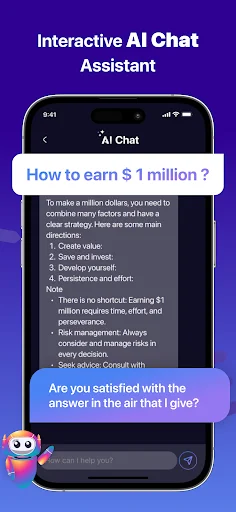
Reading a summary is only one way to revisit a topic. Use AI Meeting Assistant to ask questions about your content and explore points that need clarification. Generate a multiple-choice quiz to check your understanding or make flashcards for repeated practice. Translate your notes when another language makes the material easier to study or share.
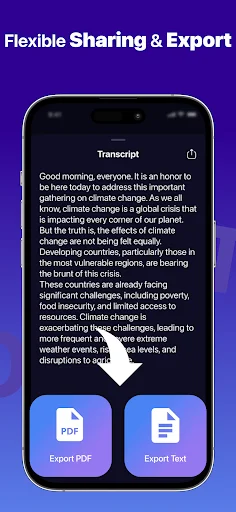
Keep useful material available for future reference and permanently delete your data when you no longer need it. Share a summary or a full transcript to give others the level of detail they need.
Keep AI Note Taker For Meetings ready for discussions, lectures and everyday ideas. Capture the material, review the key points and put your notes to use.
it is just the app which I want from a long time it is amazing for medical students it is the best app it makes notes which are very easy to understand and the mind maps are so good i love this app.. 🫧🫶
I use this app to take meeting notes, and the AI voice recognition is excellent. It even supports multiple languages. Highly recommended!
Transcription is spot-on every time. Perfect for meetings and lectures. Highly recommend for anyone needing comprehensive notes.
Incredible app for organizing notes. Perfect for busy students. Highly recommend for productivity boost!
awesome transcription tool
so excited. powerful tool